
Silent messaging failures are common in OpenClaw — your agent may complete tasks successfully but never deliver the results to you. Always perform round-trip tests on every messaging channel you use, as each one can fail independently. Set up multiple delivery methods (fallbacks) for important outputs to ensure nothing gets lost. Monitor delivery status regularly, especially after updates or restarts.
The Silent Failure Problem
Your OpenClaw agent has just finished an important task — it gathered data, analyzed it, and created a perfect summary. But you never see the output. This frustrating situation happens more often than many users realize
Messaging failures in OpenClaw are often completely silent. There's no error message, no retry notification, and no alert. The agent believes it has delivered the message, while you assume everything is still working fine. The issue only surfaces when someone manually checks
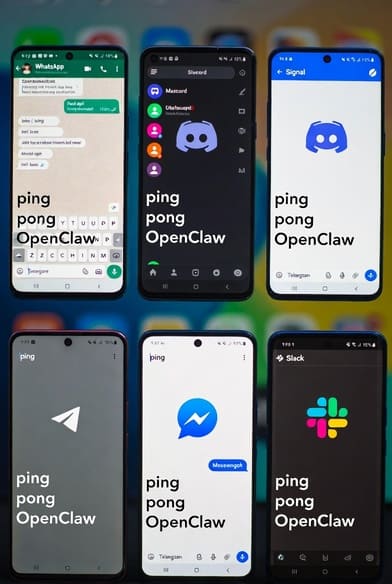
OpenClaw supports popular channels such as Telegram, WhatsApp, Discord, Signal, and Slack. Each channel has its own connection method and potential failure points. When something breaks, it usually does so without any obvious warning
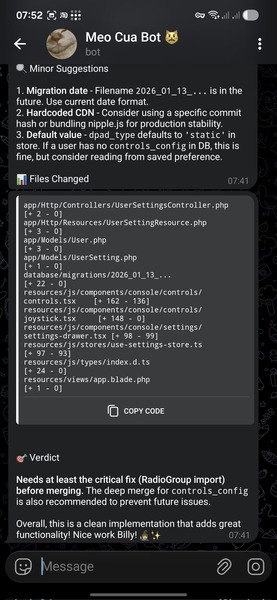
Common issues include
Messages being dropped before they reach the agent
Responses that appear in the web dashboard but never arrive in your messaging app
Routing mistakes in setups with multiple bot accounts
Intermittent failures in group chats or specific topics
These problems can appear and disappear unpredictably, often after routine updates or restarts
Step 1: Check Channel Connection Status
Begin by confirming that your messaging channels are properly connected in the OpenClaw dashboard or status view
Look for the connection status of each channel. A "Connected" indicator means the basic link is active, but it does not guarantee that messages are actually flowing correctly. A channel can show as connected yet still drop or misroute messages
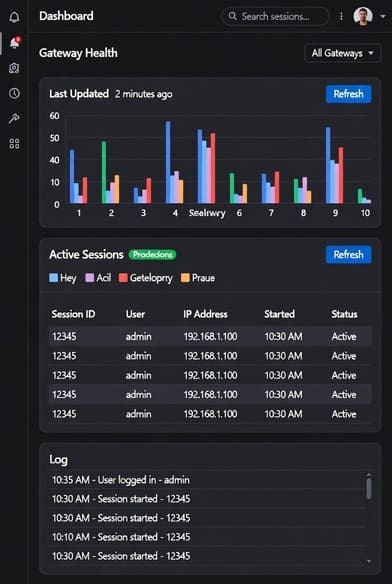
For a more detailed overview, review the gateway health and active session information through the available management tools. This helps spot basic configuration problems early
Step 2: Perform Round-Trip Test Messages
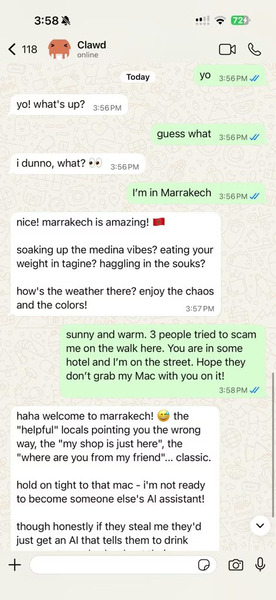
The most reliable way to verify a channel is to run a simple round-trip test
Send a clear test command (such as "/ping") through each messaging channel you use. Confirm that the agent receives it and that the response (for example, "pong " with a timestamp) comes back to you successfully
Repeat this test on every active channel — Telegram, WhatsApp, Discord, and others. Never assume one channel works just because another does; each has its own potential issues
For ongoing verification, many users rely on community-built testing tools that check gateway health, configuration, and basic connectivity quickly
Step 3: Configure Reliable Fallbacks
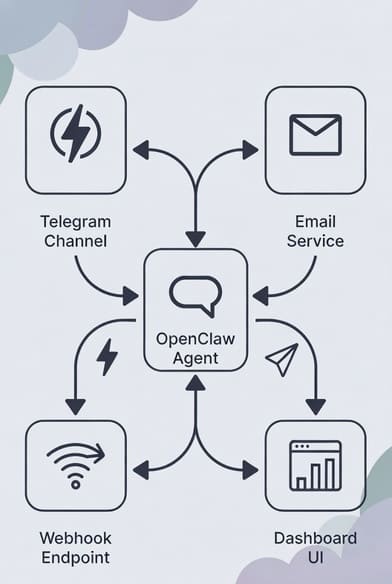
Avoid depending on a single messaging channel for critical information. OpenClaw makes it easy to send outputs to multiple destinations
Set up your agent to deliver important messages through a primary channel (such as Telegram for quick interaction) while using fallbacks like email, webhooks, or the dashboard for backup
For scheduled tasks and cron jobs, double-check the delivery settings carefully. Common mistakes include using the wrong configuration field for the recipient, which can silently prevent messages from arriving
A good practice is to route urgent alerts or summaries to at least two different methods so you always receive them
Step 4: Monitor Delivery Status Actively
Don't wait for problems to appear — build simple monitoring habits
Regularly check the status of scheduled tasks for signs of delivery issues, such as repeated errors or indications that a task completed but the message was never sent
Look specifically for differences between "task completed successfully" and "message delivered." If a task runs fine but delivery fails, you have a channel reliability problem
Many users create a lightweight heartbeat task that runs periodically and sends a confirmation message. This provides an early warning if something stops working
Step 5: Handle Multi-Account Setups with Care
If you use multiple bot accounts (for example, one per agent in Telegram), be especially cautious
After a restart or update, messages might route through the wrong bot. To avoid this:
Pin specific sessions to the correct accounts where possible
Restart accounts one at a time instead of all at once
Check the actual sender in your messaging app to confirm the right bot is responding
Step 6: Post-Update Verification Checklist
Run through a quick checklist every time you update OpenClaw or make configuration changes:
Confirm all channels show as connected in the dashboard
Send and verify round-trip test messages on each active channel
Double-check delivery settings for any scheduled tasks
Ensure multi-account bots are all functioning correctly
Test group chat features if you use them
Review update notes for any changes related to messaging
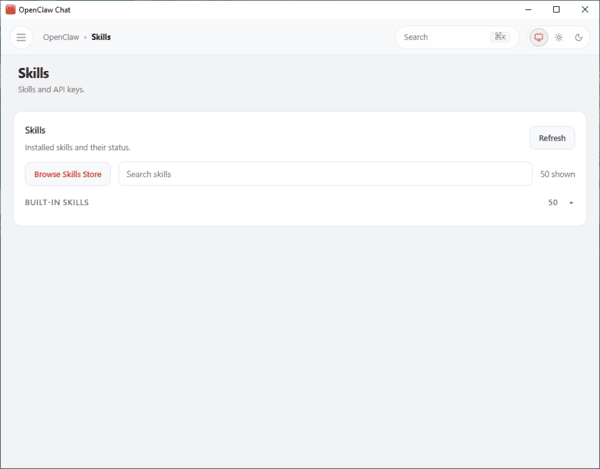
Set up OpenClaw
Now, are you ready for the mutiple channels that connect with OpenClaw? OpenClawTool can setup OpenClaw with one click and you can use mutiple channels easily.
Final Thoughts
Your OpenClaw agent is only as valuable as its ability to reach you reliably. A brilliant piece of work that never arrives is far less useful than a simpler result that actually gets delivered. Strong reliability comes from proactive testing and smart redundancy — not from hoping everything will just keep working.