







PcGoGo Screen Unlock
Supports iOS 18
Unlock iPhone/iPad
Without Password
-
 Easily remove all kinds of screen locks on iOS devices, including
4/6-digit passcode, Face ID, Touch ID, etc.
Easily remove all kinds of screen locks on iOS devices, including
4/6-digit passcode, Face ID, Touch ID, etc.
-
Unlock all iOS devices
without password
-
Supports all iPhone models and iOS versions, including
iPhone 16 and iOS 18.

Remove all types of screen locks
Whether you've forgotten your password, been locked out due to multiple failed attempts, or are facing a disabled iPhone, PcGoGo Screen Unlock can easily remove the screen lock. And it works on all types of locked screens.
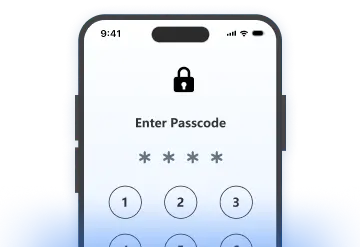
4-digit passcode
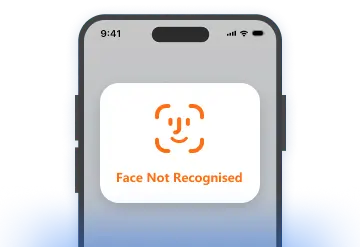
Face ID
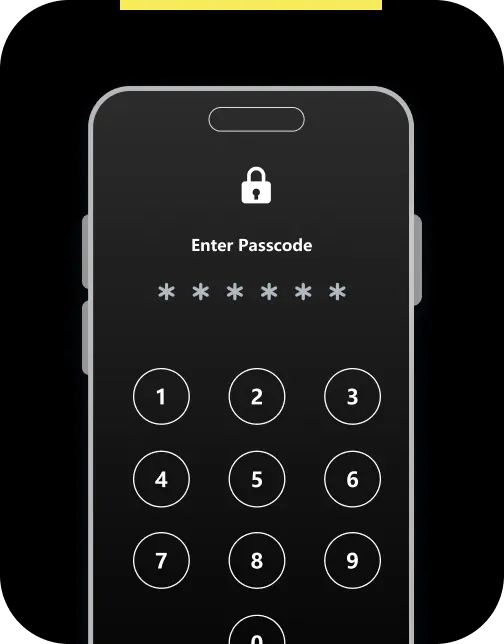
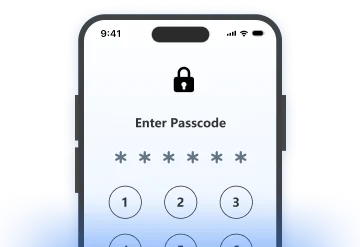
6-digit passcode
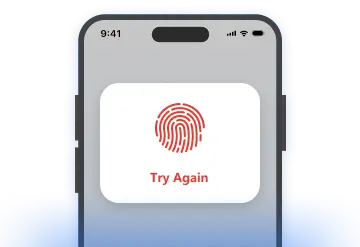
Touch ID
Easily unlock a locked iPhone in 3 steps
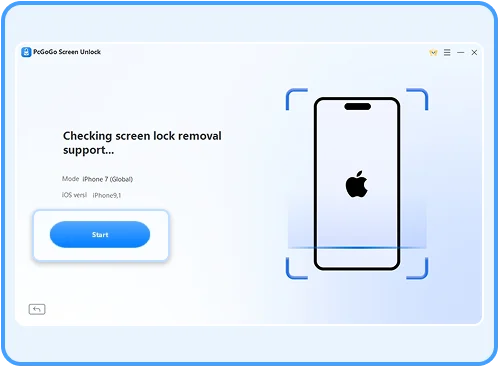
- 1. Run PcGoGo Screen Unlock, connect your iPhone to the computer, and click "Remove Now"
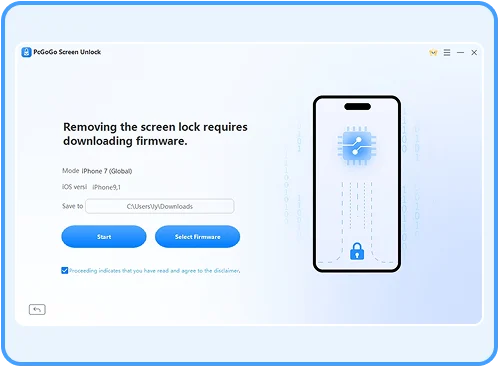
- 2. Download the latest firmware package to prepare for removal
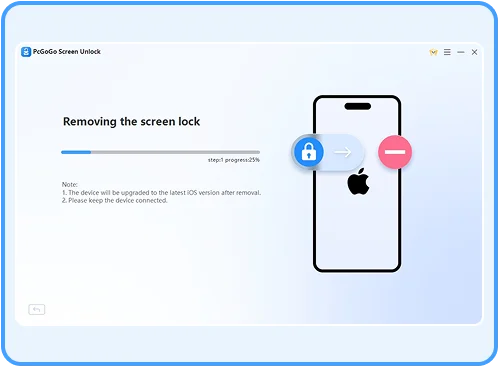
- 3. Start removal. Wait a few minutes to completely remove the screen lock
Devices supported by PcGoGo Screen Unlock
Device Model
iPhone: 5, 5s, 6, 6s, 6 Plus, 6s Plus, 7, 7 Plus, 8, 8 Plus, X, XS, XS Max, XR, 11, 11 Pro, SE, 12 series, 13 series, 14 series, 15 series, 16 series
System
iOS: All iOS versions, including the latest iOS 18
FAQ
-
How do I know if it works for my iPhone?You can download the free trial first to check if it supports your device. If not, the program will notify you before you take any further action.
-
Can I unlock my iPhone screen without losing data?No. Currently, there is no software on the market that can remove iPhone screen locks without data loss. However, if you have a backup in iTunes or iCloud, you can restore the backup to your iPhone.
-
How many times can I try to enter the screen passcode on iPhone?6 failed attempts: iPhone will be disabled for 1 minute. 7 failed attempts: disabled for 5 minutes. 8 failed attempts: disabled for 15 minutes. 9 failed attempts: disabled for 60 minutes. 10 failed attempts: iPhone disabled, needs to connect to iTunes.
-
What's the difference between the free trial and the paid version?You can check if your device is supported during the free trial. With the paid version, you can enjoy all features of the program.
Customer Reviews
This tool really saved my day! I forgot my iPhone passcode and almost gave up. But this software removed the lock screen in just a few minutes. Super easy to use and clear instructions. Highly recommended!

Honestly, I was skeptical at first, but this unlock tool actually works. My old iPad was stuck on the lock screen for months. Now it's working again without any data left. Just remember — it will erase everything.

Simple, fast, and effective! I used this tool to remove a screen lock from my second-hand iPhone. The whole process was smooth and beginner-friendly. Worth the money if you're stuck with a locked device.

PcGoGo Screen Unlock
Easily remove all kinds of iPhone screen locks
Downloaded by
1,653,424
Users