The CPU, as the core component of a computer, directly impacts its overall performance. When choosing a processor, AMD and Intel stand out as the two main brands, making the decision challenging for many. This article outlines popular CPUs for various uses, including gaming, content creation, and office work.
AMD vs. Intel: Which CPU is Better?
When comparing CPUs, it's essential to understand the following terms:
Core: A core processes information. Early CPUs had only one core, while modern ones often come with multiple cores, enabling parallel task execution for improved efficiency.
Thread: Threads further divide the processing power of each core, allowing more tasks to run simultaneously.
Cache: Cache is the internal storage unit of the CPU, with different levels (L1, L2, L3), where L1 is the fastest.
For instance, a quad-core CPU with two threads per core can handle eight tasks simultaneously without switching between them.
Pros and Cons of AMD and Intel
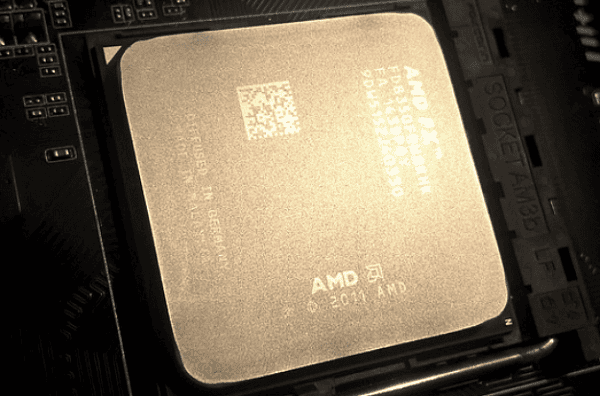
Advantages of AMD:
Offers a higher core count at better value.
Larger cache sizes, ideal for high-performance tasks like gaming.
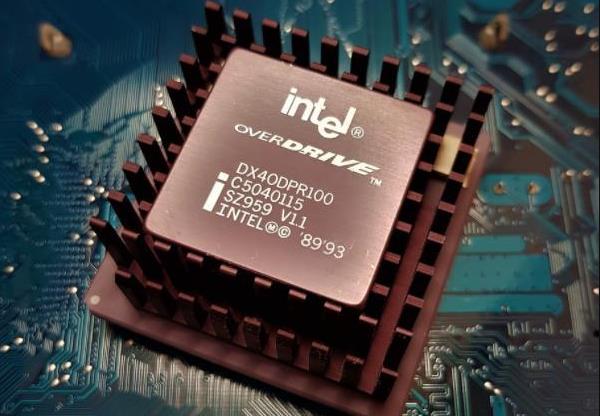
Advantages of Intel:
Superior single-core performance.
Slightly higher power consumption compared to AMD.
Choosing a CPU for Different Scenarios
High-Performance Gaming
If your computer is slow, your fan is noisy, or even with an SSD upgrade, performance remains unsatisfactory, consider upgrading your CPU. For high-performance gaming, here are some top recommendations:
High-end: AMD Ryzen 9 7900X3D, Intel Core i9-14900KS
Mid-range: AMD Ryzen 7 7800X, Intel Core i5-14600KF
Entry-level: AMD Ryzen 5 7600, Intel Core i5-14400
Content Creation and Multimedia Editing
Tasks like video editing and photo processing rely heavily on thread count. These CPUs can handle multiple processes simultaneously:
High-end: AMD Ryzen 9 7950X, Intel Core i9-13900KF
Mid-range: AMD Ryzen 7 7700X3D, Intel Core i7-13700KF
Entry-level: AMD Ryzen 5 5600G, Intel Core i5-13400
Office Work and Daily Use
For basic tasks like browsing, document editing, or online shopping, cutting-edge CPUs aren't necessary. Consider these options:
High-end: AMD Ryzen 7 7700X, Intel Core i5-13500
Mid-range: AMD Ryzen 5 5600, Intel Core i5-12500
Entry-level: AMD Ryzen 5 4500, Intel Core i3-12100
Tips for Maintaining Smooth CPU Performance
Whether you choose AMD or Intel, regular maintenance is key. Outdated or missing drivers can lead to reduced performance, blue screens, or program crashes.
To address these issues, we recommend using Driver Sentry to manage and optimize your drivers. This software automatically detects outdated or missing drivers and offers one-click updates, saving you the hassle of searching and installing manually.
If replacing your CPU isn't in your budget, don't worry. Optimizing your system with "Driver Sentry" can still improve performance.
Main features of Driver Sentry
Automatically detects and updates drivers to ensure stable hardware operation.
Resolves driver conflicts, preventing blue screens and device issues.
It offers system optimization features to enhance your computer's efficiency and overall performance.
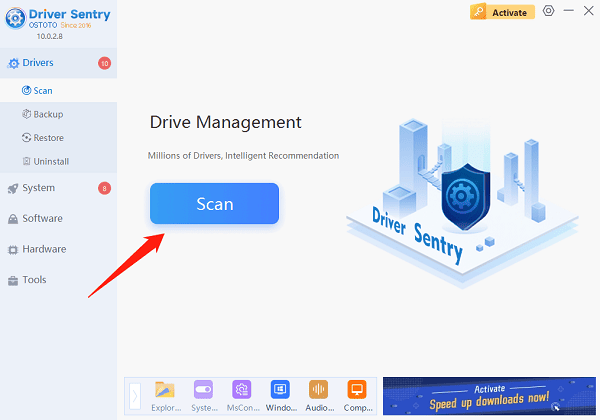
Try Driver Sentry to easily maintain your computer's performance and breathe new life into your device!
See also:
7 Ways to Maximize GPU Performance
How to Fix Windows Not Detecting AMD Graphics Card
What is the difference between Nvidia and Intel graphics?
Optimize Windows Graphics Performance for Smooth Gaming