
The MSVCP140.dll file is an important part of the Microsoft Visual C++ Redistributable package and is required by many Windows applications and games. When this file is missing, corrupted, or incorrectly configured, you may encounter errors such as "MSVCP140.dll is missing" or "MSVCP140.dll not found," preventing programs from launching. In this guide, we'll explain why MSVCP140.dll errors occur and provide safe, reliable solutions to restore the file and get your applications running normally again.
Common Causes of MSVCP140.dll Errors
Several issues can trigger this DLL error:
The MSVCP140.dll file is deleted or corrupted
Microsoft Visual C++ Redistributable is damaged
Installation of a game or program was incomplete
Malware removed or modified system files
Windows updates failed
Corrupted system files or registry issues
Reinstall the Microsoft Visual C++ Redistributable (Official Fix)
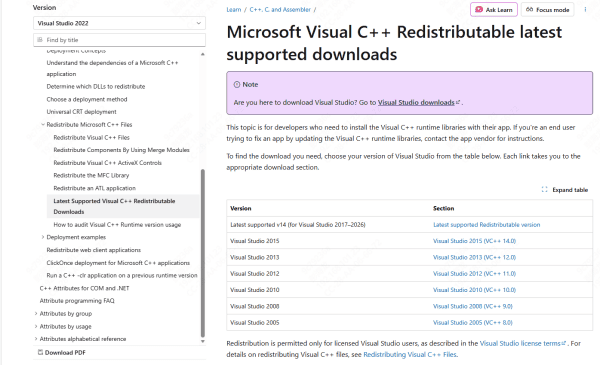
Go to the official Microsoft download page
Download the Microsoft Visual C++ 2015–2022 Redistributable
Install both versions:
vc_redist.x64.exe
vc_redist.x86.exe
Restart your PC
Repair Visual C++ Redistributable
If the package already exists but is corrupted, repairing it may solve the error.
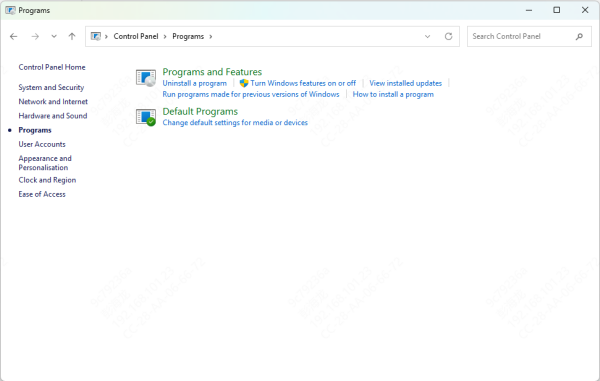
Open Control Panel → Programs and Features
Find Microsoft Visual C++ 2015–2022 Redistributable
Select it → Click Modify
Choose Repair
Restart your PC
This restores damaged components without reinstalling the entire package
Automatically Repair DLL Files
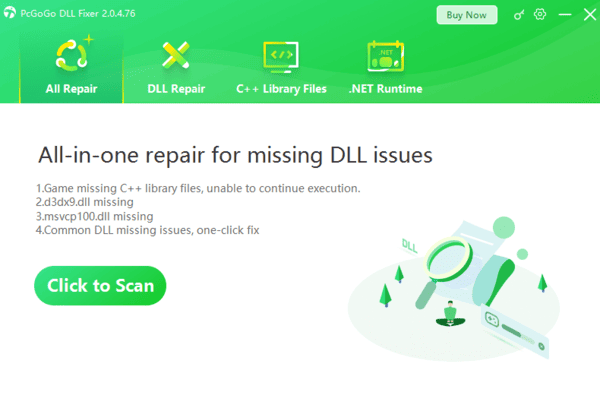
If the error still appears, your system may have deeper issues such as: Broken DLL dependencies, Incorrect registry entries, and Multiple corrupted Visual C++ components. A repair tool like PcGoGo DLL Fixer can automatically detect and repair these issues.
Run System File Checker (SFC)
Windows has a built-in tool to repair corrupted system files.
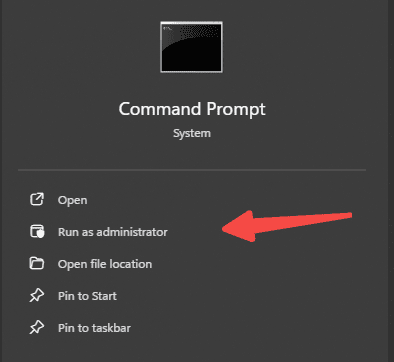
Press Windows + S, type cmd
Right-click Command Prompt → Run as administrator
Enter the command:
sfc /scannow
Wait for the scan to complete
Restart your PC
SFC automatically replaces missing or damaged system components.
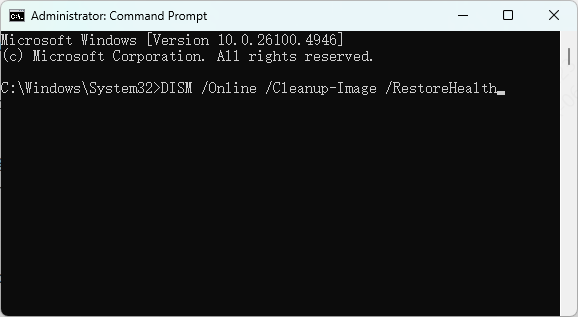
Use DISM to Repair the System Image
If SFC cannot fix the issue, run DISM.
Open Command Prompt (Admin)
Enter:
DISM /Online /Cleanup-Image /RestoreHealth
Wait for the process to finish
Restart your PC
This repairs deeper system corruption that may affect MSVCP140.dll.
Reinstall the Problematic Program
If only one program shows the error, its installation may be incomplete.
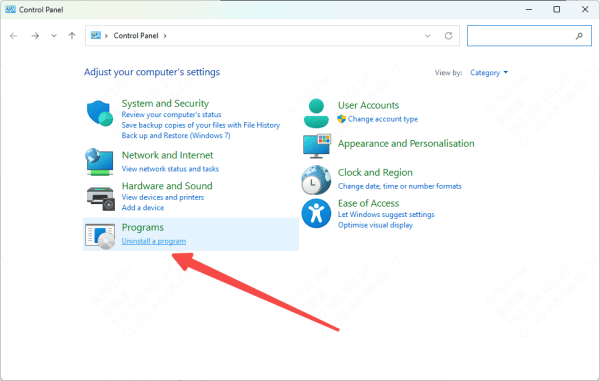
Open Control Panel → Programs and Features
Uninstall the program showing the error
Restart your PC
Install the program again from an official source
This ensures all required DLL files are installed correctly.
Scan for Malware
Malware sometimes deletes or corrupts necessary DLL files.
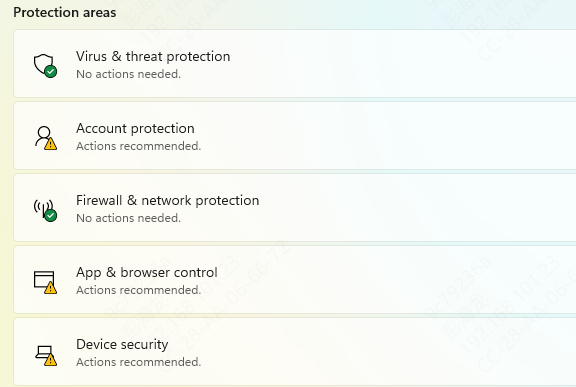
Open Windows Security
Go to Virus & threat protection
Choose Full Scan
Remove any detected threats
After removing malware, run SFC again to restore missing files
Perform System Restore
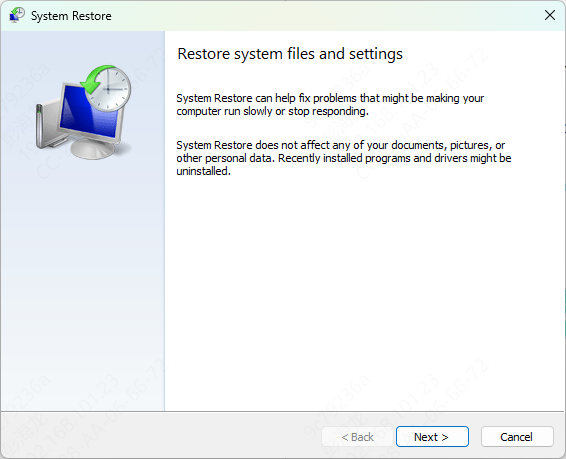
If the MSVCP140.dll error started after a recent system change, restore your PC to an earlier state.
Press Windows + R, type:
rstrui
Select a restore point
Follow the prompts to restore your system
This returns Windows to a stable state where the DLL was not broken.
The MSVCP140.dll missing error usually occurs due to corrupted or incomplete Visual C++ components, damaged system files, or program installation issues. The fastest and safest fix is reinstalling or repairing the Microsoft Visual C++ Redistributable. If the problem persists, tools like PcGoGo DLL Fixer, SFC, and DISM can restore deeper system problems. By following the methods in this guide, you should be able to restore the MSVCP140.dll file.