NVIDIA graphics drivers play an important role in delivering better gaming performance, improved stability, and enhanced features for both gamers and professional users. The NVIDIA 556.12 driver update introduces performance optimizations, expanded support for technologies such as ray tracing, DLSS, NVIDIA Reflex, and CUDA improvements, while also addressing compatibility issues. In this guide, we' ll explore the key features of the NVIDIA 556.12 driver and show you how to update it safely to get the best experience from your NVIDIA GPU.
1. Performance Enhancements: Smoother Gaming Experience
With version 556.12, NVIDIA has optimized several popular games, significantly improving frame rates at high graphical settings. For major AAA games like Cyberpunk 2077 and World of Warcraft, users will notice smoother visuals and more stable frame rates following this driver update.
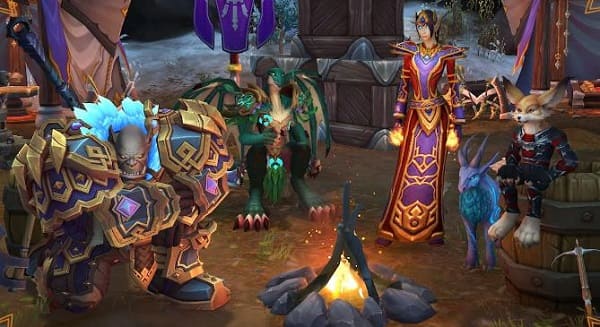
(Image source: World of Warcraft)
Additionally, for users with RTX series graphics cards, NVIDIA has further refined the performance of ray tracing and Deep Learning Super Sampling (DLSS) technologies, achieving a better balance in game performance with these effects enabled.
2. New Features: Expanded User Options
NVIDIA Reflex Latency Analyzer Support:
For esports enthusiasts, latency is a crucial factor in gameplay experience. The 556.12 driver introduces support for NVIDIA Reflex Latency Analyzer, which allows real-time monitoring of system latency and provides optimization suggestions, helping players gain an edge in competitive scenarios.

CUDA 11.5 Support:
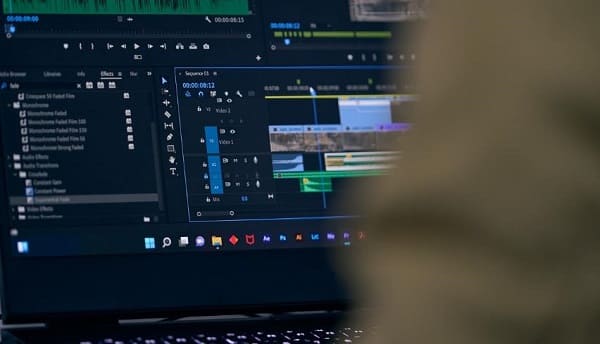
Professional users, especially those involved in machine learning, data science, and video editing, will benefit from the driver's support for CUDA 11.5. The new CUDA version enhances computing efficiency and supports a wider array of development tools and libraries, further boosting NVIDIA's capabilities in professional applications.
Improved HDR Support:
The 556.12 driver includes enhanced support for HDR displays, improving color accuracy and contrast performance, and providing a more immersive visual experience for users.
3. Compatibility and Stability: Broader Device Support
In this release, NVIDIA has addressed various compatibility issues, allowing for better integration with a wider range of monitors and peripheral devices. Additionally, version 556.12 fixes multiple known issues from the previous version, enhancing system stability and reducing occurrences of crashes and blue screens.
4. How to Update to Driver Version 556.12
Option 1: Automatic Update
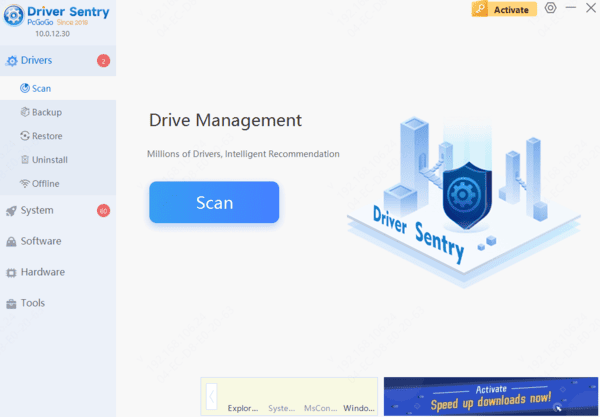
To ensure a quick and safe upgrade, consider using Driver Sentry, a professional driver management software that can automatically detect and update drivers while avoiding the risk of downloading or installing incorrect drivers.
Option 2: Manual Download
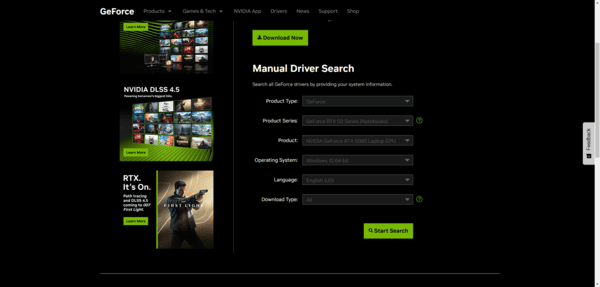
Visit the NVIDIA website, select your graphics card model and operating system version on the driver download page, and download the 556.12 driver installation package. Run the downloaded installer and follow the prompts to complete the installation.
See also:
Effective Methods to Resolve Windows Driver Issues
Step-by-Step Guide to Installing Realtek Audio Drivers