Reduce active skills to lower memory usage and improve response speed. Keep inputs clear, concise, and focused for faster processing. Use OpenClaw's built-in functions to improve efficiency and reduce errors. Regularly review settings and monitor performance to maintain stability. Write simple, clean code for easier troubleshooting and long-term reliability.
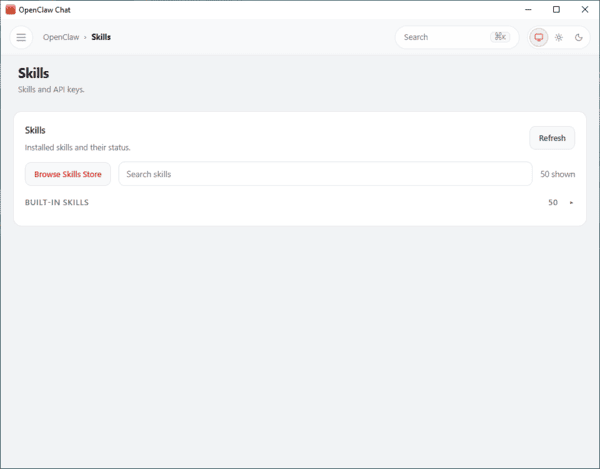
Reduce Active Skills
One of the simplest ways to improve OpenClaw's speed is to limit the number of active skills
Keeping only the essential ones reduces memory consumption and prevents unnecessary context loading, which can slow down responses and increase costs
Fewer active skills mean faster replies and more reliable daily performance. You'll notice the difference immediately in how quickly tasks are handled
Review your list of active skills weekly and disable any that you rarely use. This keeps your setup lean and responsive
Simplify Your Data Inputs
OpenClaw performs best with clean, straightforward data. Large or complex inputs consume more memory and take longer to process. Break big datasets into smaller chunks, use short sentences, and remove any unnecessary details
Focus only on the information required for the current task. This approach helps OpenClaw stay focused and deliver quicker, more accurate results
Take Advantage of Built-in Functions
OpenClaw includes many optimized built-in functions designed for speed and efficiency. Using them instead of writing custom code reduces memory overhead, minimizes errors, and simplifies maintenance
These functions are regularly updated, so check for new options that can further enhance performance
Built-in functions often receive updates with new features—explore them regularly to keep your setup optimized
Applying these quick tips creates a solid foundation for better performance, helping you save time and resources whether you're new to OpenClaw or an experienced user
Simplify Loops and Conditions
Complex or nested loops can significantly slow down OpenClaw. Simplify your logic by combining loops where possible and using clear, efficient conditions. Avoid repeating the same checks unnecessarily
Cleaner code not only runs faster but is also much easier to read and debug
If you notice delayed responses, start by examining your loops and conditional statements—these are common sources of slowdowns
Choose the Right Data Structures
Using appropriate data structures makes a big difference in performance
Avoid holding onto large or unnecessary datasets in memory. Opt for arrays when working with lists and objects for key-value data
Remove unused data as soon as it's no longer needed
Breaking large datasets into smaller parts can resolve many memory-related performance issues
Improve Function Response Times
Slow functions can create bottlenecks that affect the entire system. Identify and optimize any functions that take too long to complete. Consider splitting large tasks into smaller, more manageable steps
Regularly monitor queue health and look for signs of backlog. Addressing slow functions early keeps everything running smoothly
Note: Temporary issues like timeouts may resolve on their own, but persistent problems usually require code adjustments
Configuration and Resource Management
Control Conversation Context
Limiting conversation context is an effective way to reduce token usage and improve response times. Keep chat history short and disable optional features like automatic follow-up questions or title generation when they're not needed
Moving retrieval-augmented generation (RAG) elements into the system prompt can also improve caching and consistency
Tip: Periodically review and trim excess context in your settings. Setting clear limits prevents memory bloat and keeps performance high
Manage System Resources Effectively
Ensure your device has sufficient RAM so OpenClaw doesn't rely on slower storage swapping, which can drag down speed—especially on systems with limited memory
Allocating enough dedicated resources helps maintain consistent, fast operation
Handle Processes and Security Carefully
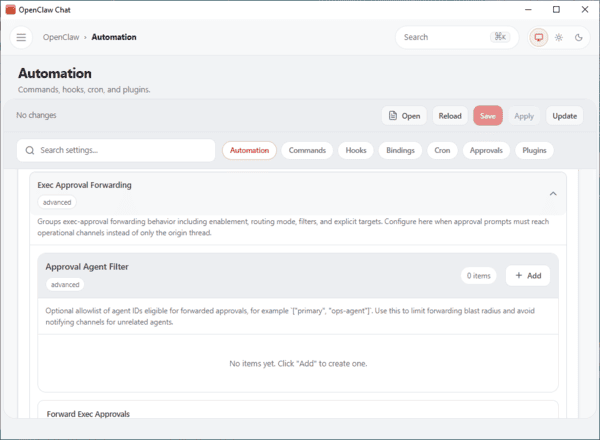
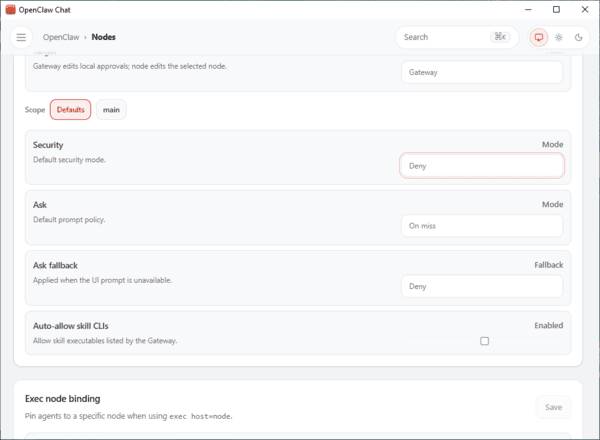
Run automations with minimal permissions and treat each skill as potentially untrusted until verified. Use separate environments for different processes and avoid running with elevated privileges
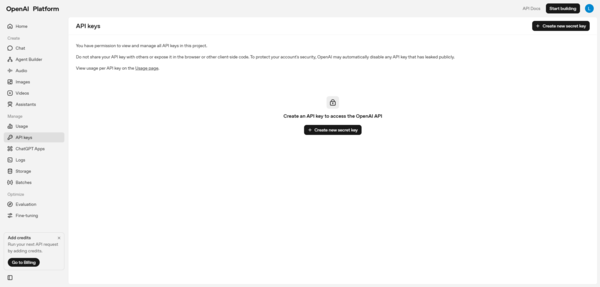
Store sensitive information like API keys in environment variables rather than in code
Keep OpenClaw updated and monitor for any unusual behavior to prevent memory leaks and maintain stability
OpenClaw Setup
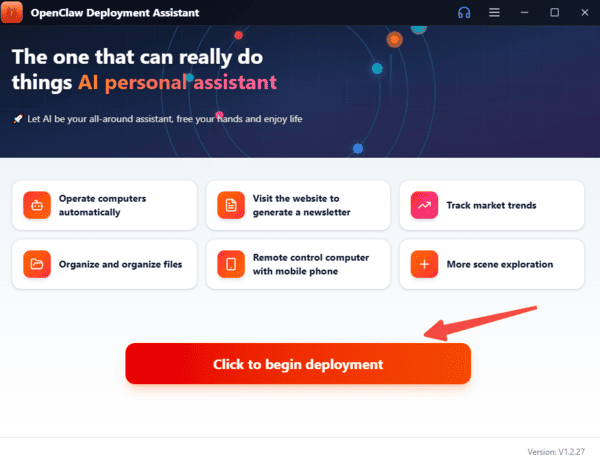
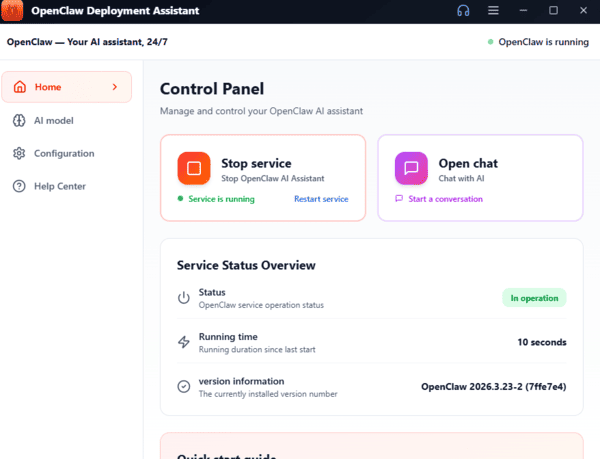
The OpenClawTool lets you install and set up OpenClaw in about 3 minutes
It supports Windows and macOS
Simply download the installer from the official site, run it (or drag to Applications on macOS), and follow prompts
The built-in assistant handles system detection, dependency installation, OpenClaw download, and configuration automatically
After deployment, enter your API key (supports Zhipu GLM, Tongyi Qianwen, DeepSeek, Doubao, OpenAI-compatible APIs) to launch the smart chat interface and start automating tasks, browsing, file management, code review, and more