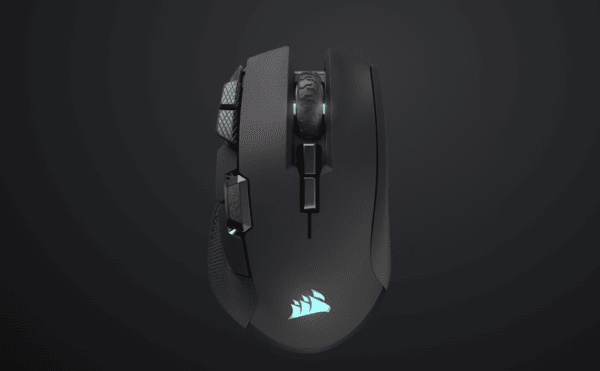
The Corsair Ironclaw Wireless SE mouse is a 2026 refresh of the beloved Ironclaw RGB Wireless (2019 original), keeping the iconic ergonomic shape for palm-grip players with large hands while adding a cutting-edge sensor, epic battery, and USB-C charging. At $89.99, it's a strong value upgrade for comfort-focused gamers who hate recharging every few days.
Design & Ergonomics
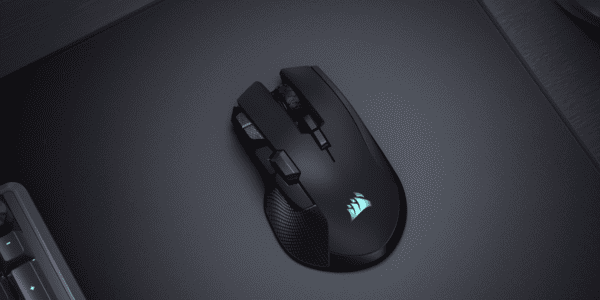
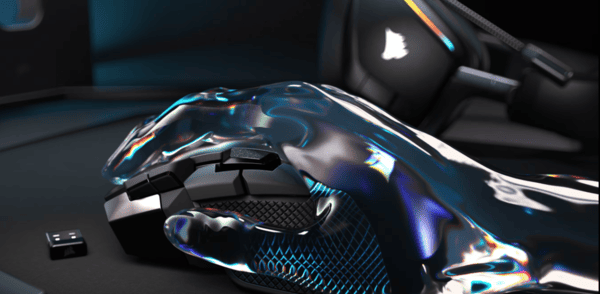
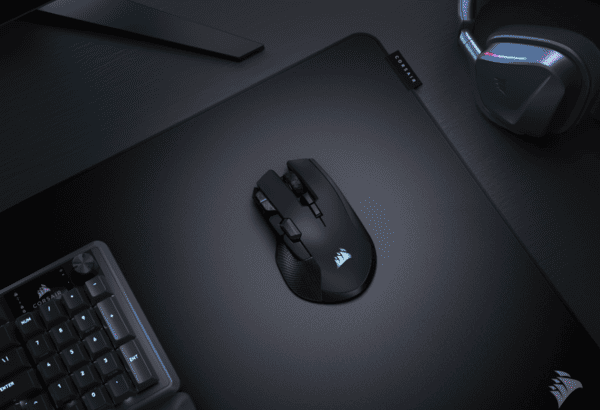
Shape & Fit: Sculpted asymmetric right-hand design with deep thumb rest and flared rear — fills large palms perfectly for natural palm grip
Hand Size Sweet Spot: Excels at 20cm+ hands; hybrid claw possible for some, but fingertip grip feels awkward due to size
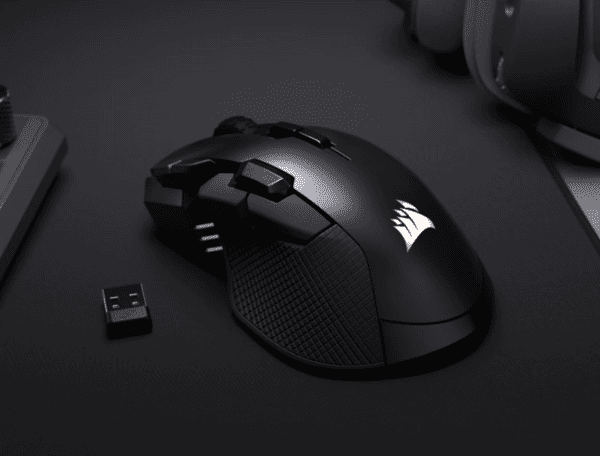
Build Feel: Matte plastic body (fingerprint-resistant), textured rubber side grips for sweat-proof hold; 130g feels premium and stable (great for control, but heavier than modern lightweight mice)
Buttons Layout: 10 total — crisp main clicks, well-spaced side cluster (forward/back + extras positioned high to avoid stretching); scroll wheel tactile and reliable
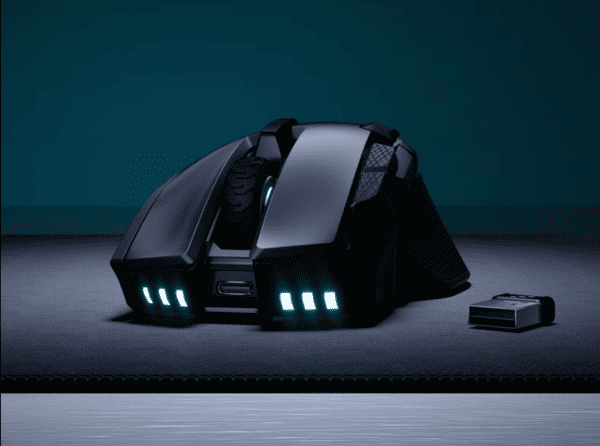
Nitpicks: No built-in dongle storage; right-hand only
Performance & Sensor
Sensor Highlights: Native 26K MARKSMAN optical — pixel-accurate tracking, minimal smoothing, excellent on cloth/plastic/glass pads
Real-World Notes: Sub-1ms latency on Slipstream makes it feel wired in FPS aim trainers, MOBA clicks, or MMO macros; DPI shift buttons (configurable) are handy for sniping
Wireless Modes Breakdown:
Slipstream 2.4GHz: Gaming-grade, ultra-low latency
Bluetooth: 125Hz polling — fine for office/productivity, not competitive play
Wired USB-C: Zero-latency backup + charging
Calibration: Quick surface tuning in iCUE for perfect tracking
Battery & Charging
Standout Upgrade: Up to 285 hours on 2.4GHz (lights off) or 532 hours Bluetooth — weeks of heavy use without plugging in (huge leap from original's ~24 hours)
With RGB: Drops to 54–82 hours depending on mode/effect — still solid
Charging: USB-C (fast full charge ~90–120 min); usable while plugged in
Verdict: Eliminates "wireless anxiety" — set it and forget it for marathon sessions
Software & Customization
iCUE Integration: Full ecosystem control — adjust DPI stages (1 DPI increments), record macros, sync RGB with other Corsair gear, create game-specific profiles
Onboard Perks: Save up to 3 profiles directly to mouse (no software needed after setup)
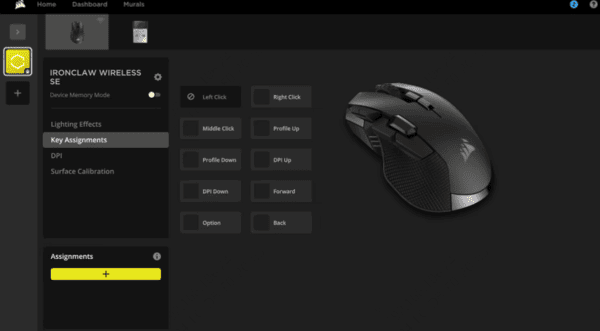
Bonus Tip: Keep Mouse Drivers Updated with Driver Sentry
To keep your Ironclaw Wireless SE (and other peripherals) running smoothly, Driver Sentry is a simple and effective solution. It automatically scans your system for outdated or incompatible drivers and installs the correct versions safely.
Fix mouse connection or detection issues
Ensure USB and wireless drivers stay compatible with Windows updates
Save time by avoiding manual driver searches
For gamers who want a stable setup without troubleshooting headaches, Driver Sentry is a solid companion tool.

Pros
Epic battery life (game-changer)
Superb large-hand ergonomics & comfort
Accurate 26K sensor with low latency
Tri-mode flexibility (Slipstream shines)
Great value at $90
Cons
Heavy (130g) — not ideal for flick-heavy FPS
No dongle compartment
Right-hand only; Bluetooth polling low for gaming
Recommendation
Buy if you prioritize comfort, battery endurance, and precision in relaxed/strategic gaming
Skip if you chase lightweight esports performance or need ambidextrous design
Final Thoughts
The Ironclaw Wireless SE nails its niche: the ultimate palm-grip wireless mouse for big hands and long sessions. The 2026 upgrades (26K sensor + monster battery) make it a worthy refresh over the original without jacking up the price. Enjoy your claw-gripping sessions! If you have this mouse or questions, drop a comment.