If GTA 5 crashes with a GFSDK_ShadowLib.win64.dll error, the issue is usually related to graphics rendering rather than a missing DLL file. This NVIDIA shadow-rendering component can fail due to corrupted game files, unstable graphics drivers, incompatible mods, damaged DirectX components, or Windows system issues. Symptoms include crashes at launch, freezes during loading, or unexpected returns to the desktop. Instead of downloading the DLL from third-party websites, the safest approach is to repair the game installation, update graphics drivers, and troubleshoot the overall game environment.
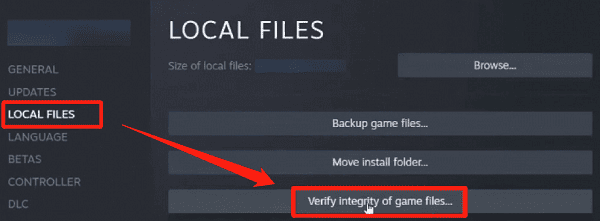
Verify GTA 5 Game Files
If you use Steam, Epic Games Launcher, or Rockstar Games Launcher, use the built-in verify or repair option for GTA 5. This scan compares your installed files with the official game version and redownloads anything missing or corrupted
If you have already modified the game folder, verification is also a quick way to restore core files before deeper troubleshooting
Remove Mods and Custom Graphics Files
If your GTA 5 installation is modded, remove recent changes first. Move Script Hook, dinput8.dll, ASI files, ReShade files, and custom graphics packs out of the game folder temporarily. Then test the game in a clean state. If the crash disappears, one of the removed files was causing the problem.
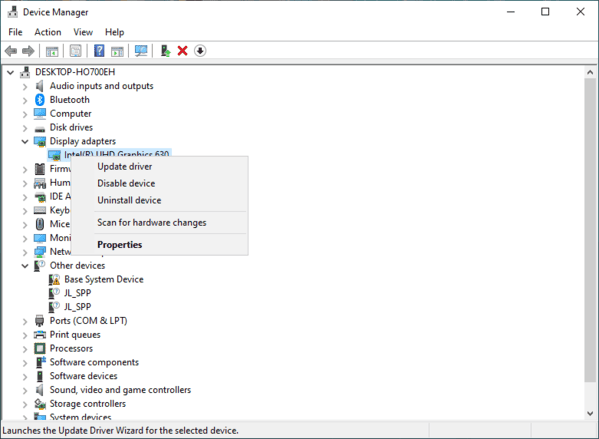
Update or Reinstall Your Graphics Driver
Install the latest stable graphics driver for your GPU. If you use NVIDIA hardware, update to the newest stable driver version rather than assuming the current one is fine. If the crash started right after a driver update, do a clean reinstall of the driver or return to a known stable version.
Lower Graphics and Shadow Settings
Lower shadow quality, soft shadows, extended distance scaling, and other demanding graphics options. If possible, start with default graphics settings and test the game before increasing anything again. If the game opens successfully at lower settings, the crash may be caused by an unstable graphics configuration rather than a missing file.
Install or Repair DirectX and Visual C++ Components
GTA 5 depends on DirectX and Microsoft Visual C++ runtime files. If either of these components is damaged, the game may fail to load graphics-related modules correctly and crash with a DLL error
Repair or reinstall the Microsoft Visual C++ Redistributables, including both x86 and x64 versions if needed. After that, reinstall DirectX runtime components from the game's redistributables folder or from Microsoft's official packages. Once both are complete, restart your PC and launch the game again
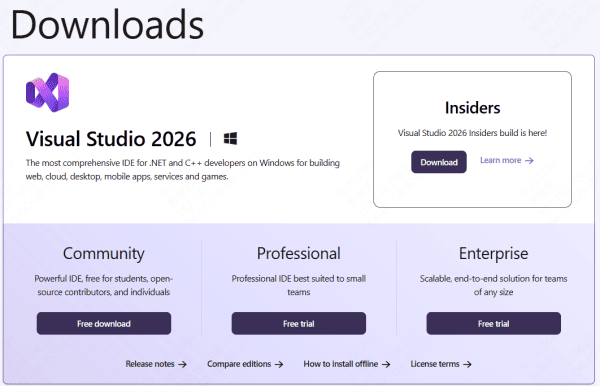
Disable Overlays and Background Tools
Overlay software can also trigger GTA 5 crashes. GeForce Experience overlay, Steam overlay, Discord overlay, MSI Afterburner, RivaTuner, recording tools, and system monitoring utilities sometimes conflict with graphics injection or rendering hooks
Disable these tools temporarily and test the game again. If the crash stops, turn them back on one by one until you find the conflict. This is a common cause when GTA 5 crashes only on startup or only after entering fullscreen mode
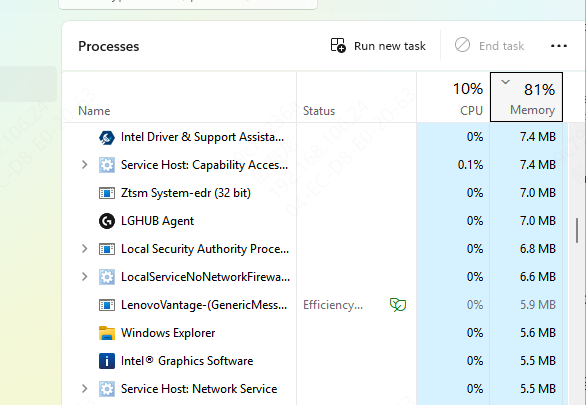
Check Antivirus and Windows Security
Security software sometimes blocks or quarantines game DLL files, launcher components, or mod-related files. If a required file is removed or blocked, GTA 5 may crash during startup even though the game appears to be installed correctly
Open Windows Security and review Protection History. If you use a third-party antivirus tool, check its quarantine section as well. Restore blocked files only if the game source is trusted. After that, test the game again
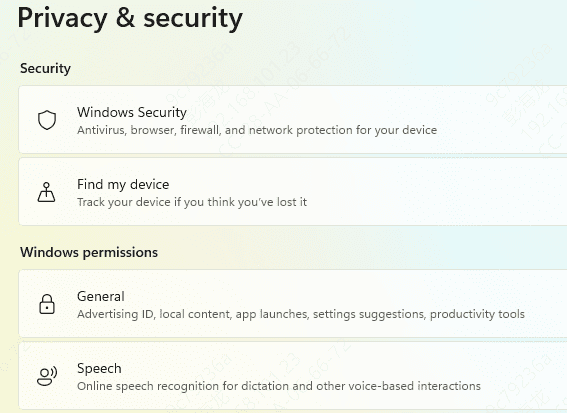
Run SFC and DISM
If GTA 5 is not the only program showing DLL or crash issues, Windows system corruption may be involved. In that case, run the built-in repair tools.
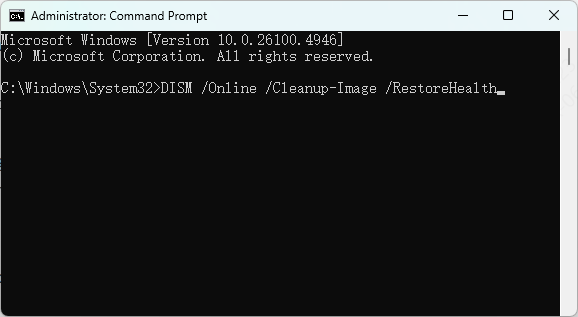
Open Command Prompt as administrator and run:
sfc /scannow
Then run:
DISM /Online /Cleanup-Image /RestoreHealth
Use PcGoGo DLL Fixer if the System Has Broader DLL Problems
If your PC shows repeated DLL errors across different games and apps, not just GTA 5, there may be deeper DLL corruption or runtime damage in Windows. In that case, a repair utility such as PcGoGo DLL Fixer may help scan for missing or damaged DLL-related components and repair them automatically.
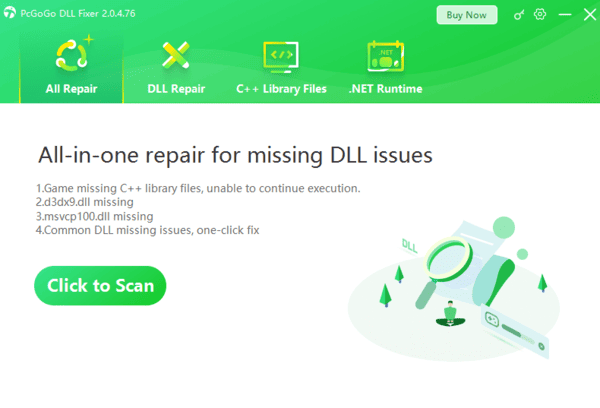
This is more useful when the system has wider instability, not when the problem is clearly caused by one GTA 5 mod. After any repair, restart the computer before testing the game again.
Final Thoughts
The GFSDK_ShadowLib.win64.dll crash error in GTA 5 is usually caused by corrupted game files, unstable graphics drivers, mod conflicts, broken DirectX or Visual C++ components, overlay interference, or Windows system corruption. The most effective fixes are to verify GTA 5 files, remove mods, update or reinstall the graphics driver, lower shadow settings, repair runtime components, and run SFC and DISM.
If the game only crashes after modding, focus on restoring a clean game folder first. If multiple programs are showing DLL errors, the problem is more likely tied to Windows itself. In either case, avoid random DLL downloads and fix the real cause. That gives you the best chance of getting GTA 5 running normally again without repeat crashes.