
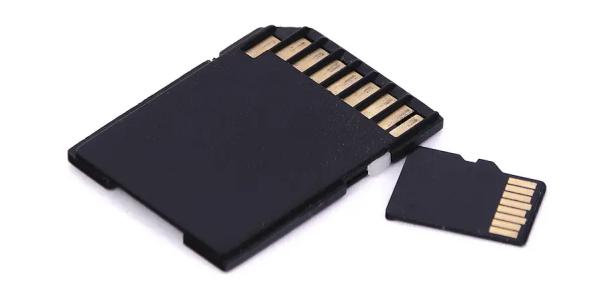
Accidentally losing photos, videos, documents, or other important files from an SD card can be stressful, whether the data was deleted, the card was formatted, or it became corrupted. Fortunately, in many cases, your files can still be recovered if you stop using the SD card and act quickly. In this guide, we'll explain the common causes of SD card data loss and show you how to safely recover your files using PcGoGo Data Recovery, along with tips to maximize your recovery success.
Key Feature of PcGoo Data Recovery
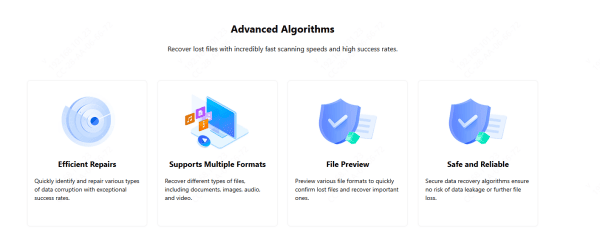
Efficient Repairs: Detect and fix different kinds of data corruption with high accuracy and fast processing
Wide Format Support: Retrieve a broad range of file types, such as documents, photos, audio, and videos
File Preview: View multiple file formats in advance so you can quickly verify and restore the data you need
Secure and Trustworthy: Advanced recovery algorithms protect your data, ensuring there's no risk of leaks or additional loss during the recovery process
How to Recover Data from SD Card Using PcGoGo Data Recovery
Recovering your SD card files with PcGoGo Data Recovery is simple, even if you're a beginner.
Step 1: Insert the SD Card Into Your Computer
Use a built-in SD slot or a card reader
Make sure the SD card is detected by the system
Step 2: Download and Install PcGoGo Data Recovery
Visit the official PcGoGo Data Recovery website and download the latest version
Install and launch the software
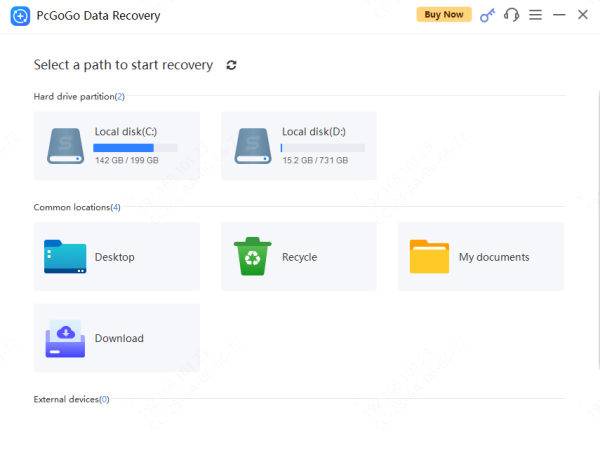
Step 3: Select the SD Card from the Drive List
Find the SD card under the list of removable storage devices
Double-check that you chose the correct drive
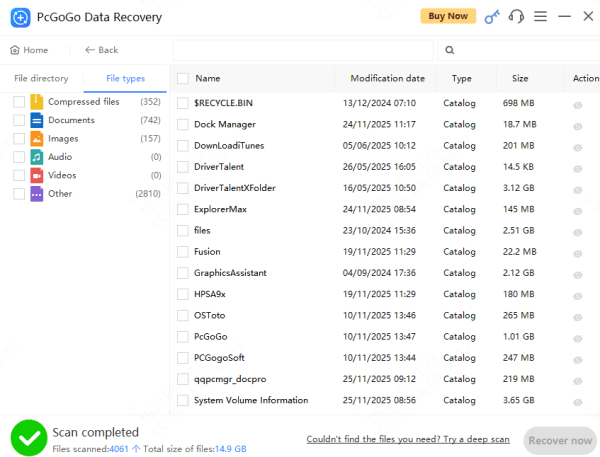
Step 4: Scan for Lost or Deleted Files
Use Quick Scan to locate recently deleted files
Choose Deep Scan for formatted or corrupted SD cards
Use file type filters or keywords to locate specific files faster
Step 5: Preview Recoverable Files
PcGoGo Data Recovery lets you preview: Photos, Videos, Documents, andOther file types
This ensures the files are intact before restoring them
Step 6: Recover and Save Your Files
Select the files you want to restore
Choose a safe folder on your computer or external drive
Do not save the recovered files back to the SD card—you may overwrite the data you're trying to recover.
Tips to Improve Your SD Card Recovery Success
To maximize the chance of restoring your files:
Stop using the SD card immediately
Avoid taking new photos or videos
Don't reformat the SD card repeatedly
Don't run multiple recovery tools at once
Use Deep Scan for severely corrupted cards
How to Prevent SD Card Data Loss in the Future
Protect your SD card data with these best practices:
Back up your SD card regularly
Format the SD card inside the camera, not the computer
Avoid removing the card while writing or transferring files
Use high-quality SD cards from trusted brands
Replace SD cards that show recurring errors or slow performance
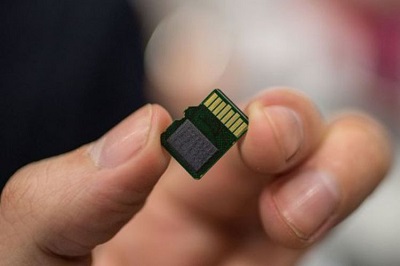
Signs Your SD Card May Be Corrupted
Files or folders disappearing
Slow reading or writing
"Please format the SD card" warnings
SD card not recognized by camera or computer
Errors during file transfer
Recovering data from an SD card is usually possible if you stop using the card right away and follow the correct recovery steps. With a reliable tool like PcGoGo Data Recovery, you can quickly scan, preview, and restore deleted, formatted, or corrupted files. Taking simple precautions—such as regular backups, proper card handling, and replacing faulty SD cards—helps protect your data and prevents future loss.