If you're trying to install a game or software and encounter isdone.dll or unarc.dll Error-1, it can be frustrating when the installation suddenly stops. These errors commonly occur during file extraction and can prevent the setup process from completing. Fortunately, there are several effective ways to fix these issues quickly. This guide covers both manual and automated solutions, along with helpful tips to prevent similar installation problems in the future.
Preparations Before Fixing the Errors
Before attempting any fix, prepare your system to minimize risks:
Backup important files – Especially game saves or software settings
Check system requirements – Ensure your PC meets the installation demands
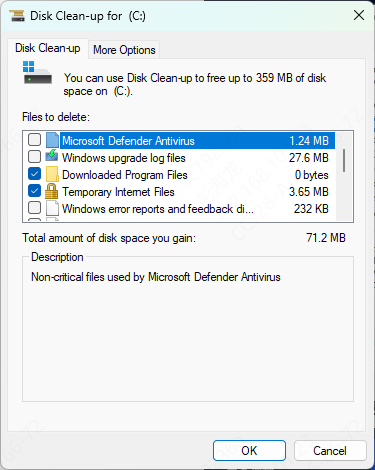
Free up disk space – Large installers may need temporary storage during extraction
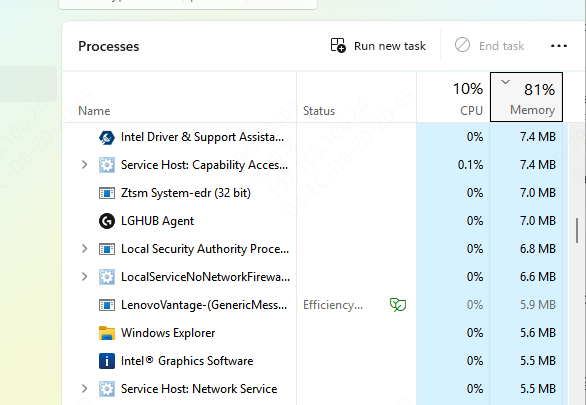
Free Up Disk Space and System Memory
Insufficient system resources can cause extraction failures
Ensure your installation drive has enough free space to handle the game or software
Close unnecessary background applications to free RAM, and restart your PC to clear temporary memory usage
Register DLLs Files
Register the DLLs using Command Prompt
Open Command Prompt and type
regsvr32 isdone.dll
regsvr32 unarc.dll
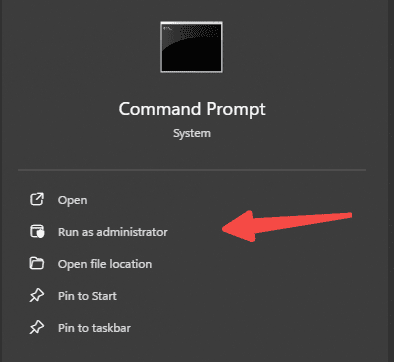
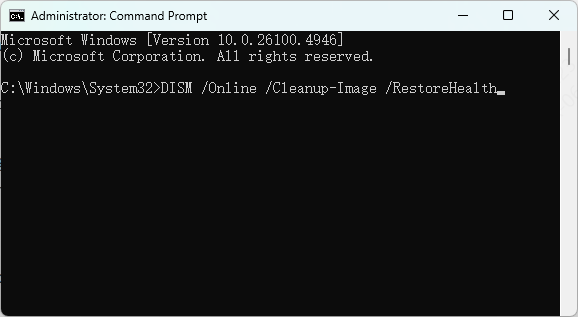
Run System File Checker (SFC) and DISM
Open Command Prompt as administrator and run:
sfc /scannow
DISM /Online /Cleanup-Image /RestoreHealth
These commands repair corrupted system files that may be causing DLL errors
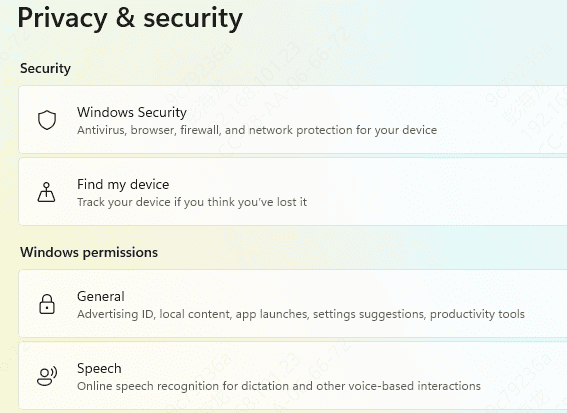
Temporarily Disable Antivirus
Antivirus programs can mistakenly block DLL files during installation
Temporarily disable your antivirus and add the installer folder to the antivirus exclusion list
Once the installation is complete, re-enable your antivirus to ensure system protection
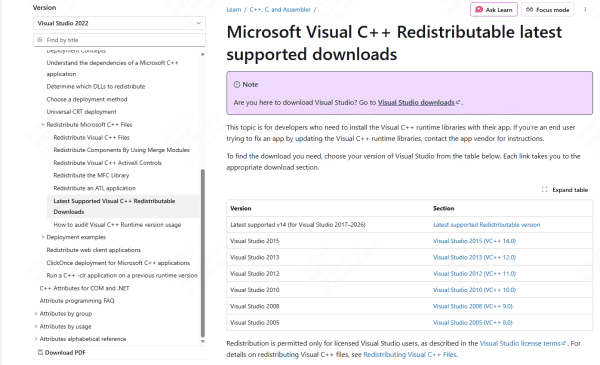
Install the latest Microsoft Visual C++ Redistributables
Some programs require updated Visual C++ libraries
Download the latest package from Microsoft's official website
Run the installer as administrator
Right-click the setup file → "Run as administrator"
This ensures the installer has the necessary permissions to write DLLs
Check archive integrity
If you're installing a game, ensure the compressed files are not corrupted
Redownload the setup or verify via the software's official launcher
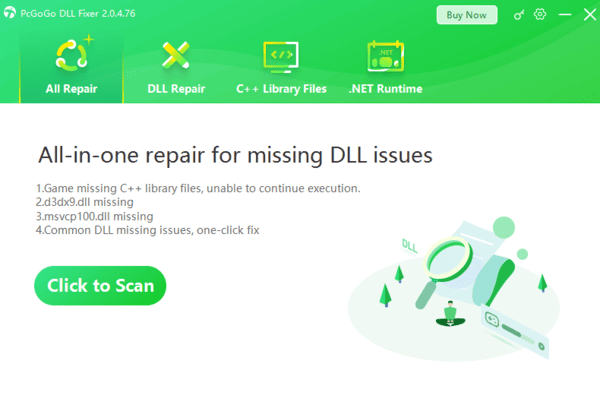
Use PcGoGo DLL Fixer
Tools like PcGoGo DLL Fixer can detect and repair missing or corrupted DLLs automatically:
Download and install PcGoGo DLL Fixer
Launch the software and click Scan to detect DLL error
Click Repair Now to fix all detected problems
Restart your PC once the repair is complete
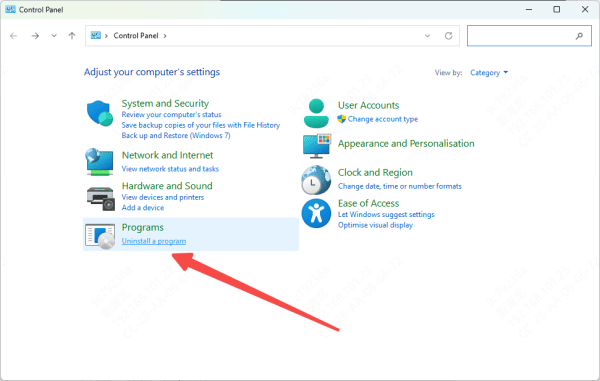
Reinstall the Game or Software
If the previous steps do not work, reinstalling may solve the problem:
Delete any partially installed game or software files
Ensure all archive parts are complete and in the same folder
Run the installer as Administrator with antivirus temporarily disabled
Complete the installation
Preventing Future isdone.dll and unarc.dll Errors
To minimize recurrence of these errors:
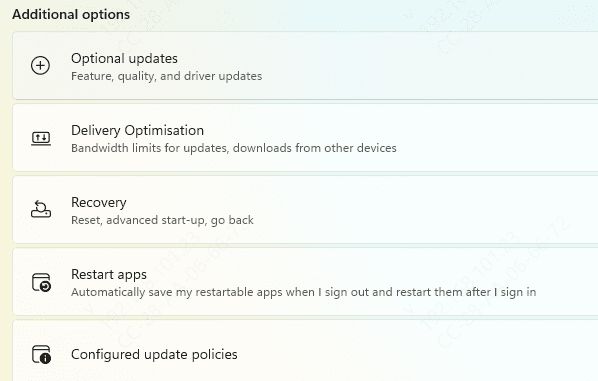
Keep Windows and drivers updated – Updates often fix DLL conflicts
Avoid corrupted downloads – Only use official installers
Maintain system health – Regularly perform disk cleanup, RAM checks, and malware scans
Use reliable software tools – PcGoGo DLL Fixer can prevent errors before they happen
Conclusion
The ISDone.dll / unarc.dll error-1 is a common issue when installing large games or software repacks, especially FitGirl repacks. By verifying archives, freeing system resources, running installers as Administrator, repairing DLLs, and checking storage integrity, you can fix the error and complete installation successfully. Following these instructions ensures smooth installations and reduces the chances of encountering similar errors in the future.