
In 2026, OpenClaw agents are transforming the way individuals and teams approach daily tasks, research, and business workflows. Unlike traditional chatbots, these intelligent AI assistants go beyond simple responses, capable of following multi-step processes, accessing files, and integrating with tools to complete real work. Their growing popularity stems from their ability to boost productivity, streamline customer support, manage content creation, and handle technical workflows efficiently. This guide explores the most practical OpenClaw agents, explains how to set them up, and offers strategies for maximizing their impact in both personal and professional environments.
What Are OpenClaw Agents and Why Are They Gaining Popularity?
OpenClaw agents are intelligent AI assistants designed to complete practical tasks, not just answer questions. Unlike standard chatbots, they can be configured to follow multi-step processes, use tools, access files, and work with other systems to get real work done
Their growing popularity comes from their ability to support actual workflows such as research, customer support, content creation, and daily organization
As more people and teams look for AI tools that deliver tangible results, OpenClaw agents stand out for their focus on productivity and automation
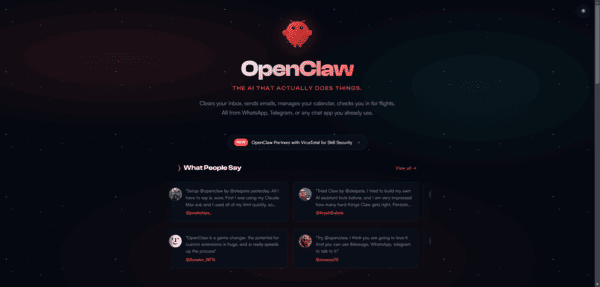
OpenClaw Agents by Common Use Cases
Productivity and Daily Planning Agents
These agents help with everyday tasks like creating summaries, tracking to-dos, and providing quick updates
They are often the easiest starting point because the goals are clear and the benefits are immediate
Many teams begin their OpenClaw journey with this type of agent
Customer Support Agents
Customer support agents handle common questions, route requests, and generate standard replies
They are especially useful for teams dealing with repetitive inquiries, freeing up human staff for more complex issues
Research and Search Agents
Research agents gather information from multiple sources, summarize findings, and track updates on specific topics
They save significant time for anyone who needs fast, reliable insights without manual searching
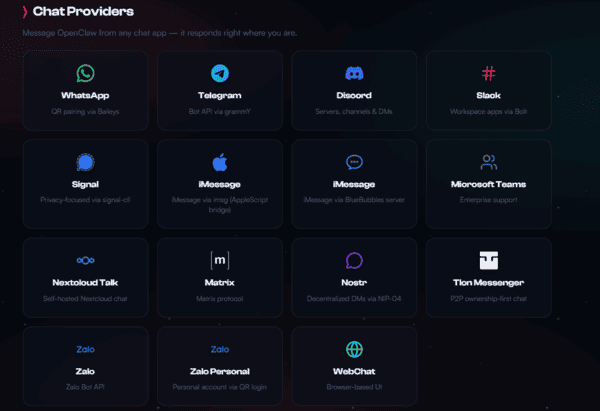
Knowledge and Documentation Agents
These agents organize internal knowledge, help locate documents, and support documentation efforts
They perform best in environments where information is scattered across files, tools, and team members
Content and Marketing Agents
Content agents assist with drafting posts, repurposing material, and monitoring trends
Marketing teams use them to streamline planning, creation, and basic publishing workflows
Sales and Outreach Agents
Sales agents manage lead information, prepare follow-up messages, and support contact organization
They reduce repetitive manual work and help maintain consistent outreach
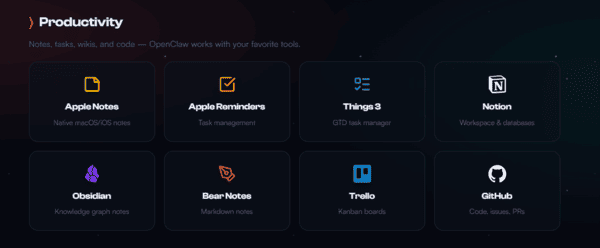
Coding and Technical Workflow Agents
Technical agents support code-related tasks such as documentation, review assistance, and monitoring
They become more effective when connected to relevant tools and data sources
Communication and Email Agents
These agents sort incoming messages, draft responses, and summarize conversations
They are particularly helpful for teams handling high volumes of email or internal communications
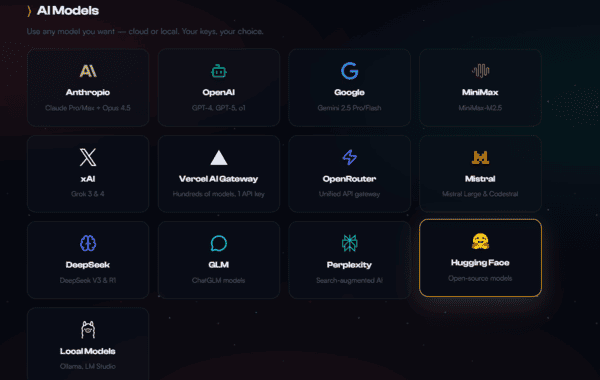
Tips for Choosing the Right OpenClaw Agent Setup
The key to success is focusing on a single, well-defined task rather than building a complex all-in-one agent from the start.
Start with One Clear Task
Begin with something simple such as a daily summary agent, FAQ responder, or research helper. A focused agent is much easier to test, improve, and trust
Look Beyond the Name — Focus on Skills
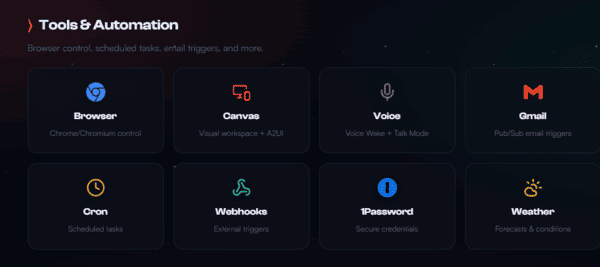
A fancy agent name means little without the right underlying tools, data access, and integrations
The real performance comes from the skills it uses
Match the Agent to Its Environment
Some agents work best for internal team workflows, while others are better for customer-facing roles, content creation, or research
Configure the agent according to where and how it will be used most often
Limit Access at the Beginning
Start in a controlled test environment with minimal permissions
This approach helps you understand the agent's behavior safely before granting access to more systems or sensitive information
True Local Deployment for Maximum Privacy and Control
In today's world of AI agents, many solutions rely on cloud hosting services that offer convenience and 24/7 availability with zero setup and automatic updates
While these managed cloud options sound appealing, they come with a significant downside: your data, conversations, memories, and API keys are processed and stored on third-party servers — raising serious privacy concerns even when encryption and isolated containers are used
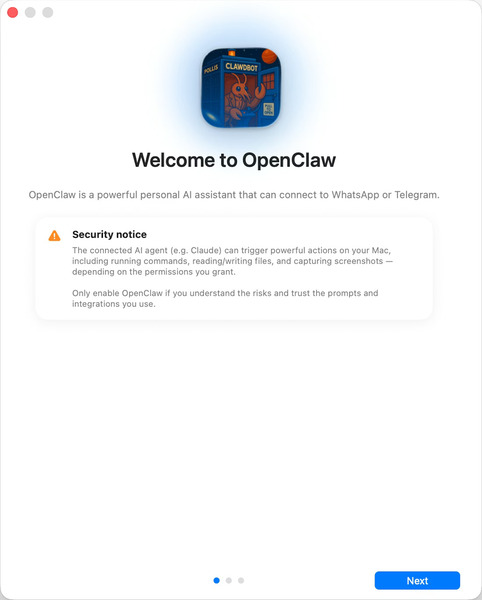
OpenClawTool takes a completely different approach. It is designed for local deployment, allowing you to run OpenClaw directly on your own computer (Windows or macOS )
All your data stays fully under your control — nothing is uploaded to the cloud. You get complete data ownership, stronger privacy protection, and peace of mind knowing your sensitive information never leaves your device
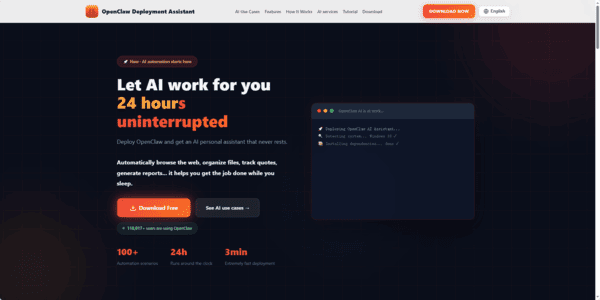
The tradeoff is simple: you handle the initial setup and maintenance yourself, and the agent runs only when your computer is powered on. But for users who prioritize privacy and full control over convenience, this is exactly the advantage they're looking for.
Final Thoughts
OpenClaw agents stand out because they turn AI into a practical helper for real tasks and workflows. The best approach is usually to start with one focused agent for a specific job, then gradually add skills and integrations as needed. Official documentation and community resources provide a solid foundation for getting started. For those who want to avoid technical complexity, local deployment solutions like OpenClawTool offer a faster and simpler way to deploy and run effective OpenClaw agents.