OpenClaw is a powerful open-source personal AI assistant platform that helps you organize tasks, automate workflows, and manage projects more efficiently. With the right setup, it can become a centralized command center for your daily work, connecting with tools like Google Workspace and OpenClawTool to improve productivity. This guide covers essential setup practices, customization options, hardware requirements, workflow automation, and integration tips to help you build a secure and efficient OpenClaw environment.
Setup Best Practices
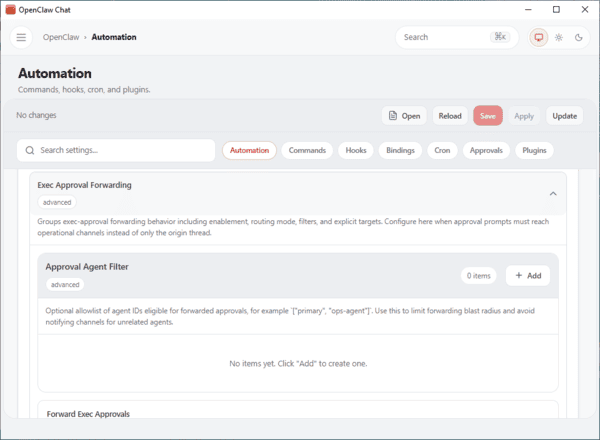
Never share your gateway token — treat it like a strong password
Use a firewall and open only the ports you actually need
Limit access to your command center by using a VPN or whitelisting specific IP addresses
Monitor memory usage, disk space, and CPU regularly
Update OpenClaw monthly and test new versions in a safe environment first
Configure Docker restart policies and set up uptime monitoring
Regularly back up your settings and environment details
Personalizing for Your Goals
Strategy Agent: Tracks goals, coordinates work, and connects to tools like Slack
Marketing Agent: Researches competitors, generates content ideas, and monitors your brand
Content Agent: Writes drafts, improves SEO, and manages publishing
Data Agent: Pulls metrics, creates reports, and identifies trends
Providing deep context to your command center allows the AI to break down complex tasks and maintain details across multiple sessions. This leads to more accurate results and clearer reports
Hardware for Better Performance
For smooth operation, make sure you have adequate hardware. Most users should start with at least 16GB of RAM, while 32GB is better for heavier workloads
If you run large models, you may need up to 64GB
Each model can consume 5-20GB of storage space
With the right hardware, your OpenClaw command center can handle demanding tasks without slowing down your workflow
Workflow and Task Scheduling
Good workflow and task scheduling turn OpenClaw into a powerful productivity tool
It can automate repetitive work, run scheduled jobs, and integrate your AI agents with Google Workspace
This gives you better visibility and control over your daily routine
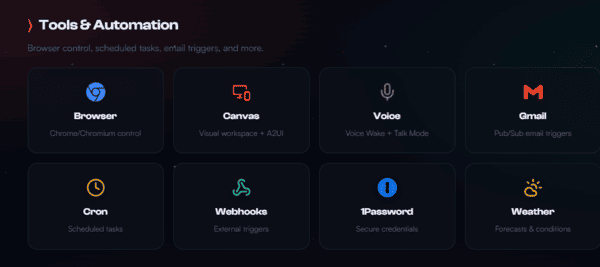
Automating Repetitive Tasks
Automating customer support to handle up to 80% of routine messages across platforms
Simplifying client onboarding by sending emails, collecting documents, and scheduling meetings
Organizing your inbox by sorting messages, drafting replies, and tracking follow-ups — often saving around 85 minutes per day
Tracking expenses using OCR to read receipts and send reminders
Creating shared task lists and real-time reminders for teams
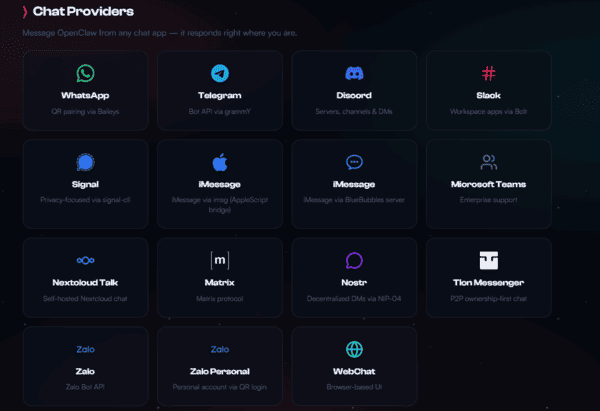
Scheduled Tasks and Reminders
OpenClaw supports scheduled tasks and smart reminders
Your AI can track packages, send delivery alerts, and generate morning summaries that include calendar events, weather, priority emails, news, tasks, and notifications
This keeps your day organized without extra effort
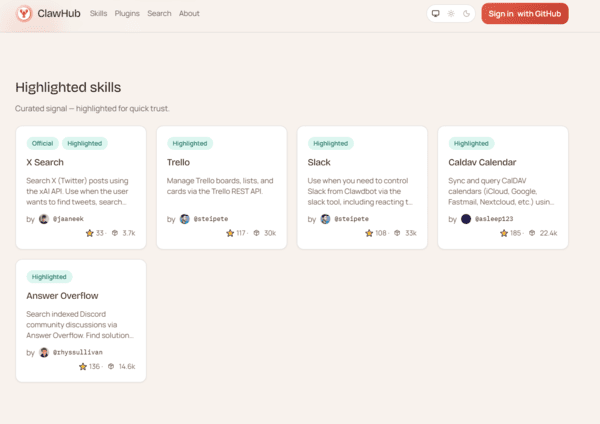
Integrating with Google Workspace
Connecting OpenClaw to Google Workspace adds even more power
Your AI agents can sync reminders, manage calendar events, and turn casual chats into actionable tasks
Setup requires OAuth credentials from Google Cloud Console
Once connected, OpenClaw can summarize long email threads, organize tasks from conversations, and maintain context over time using its memory system
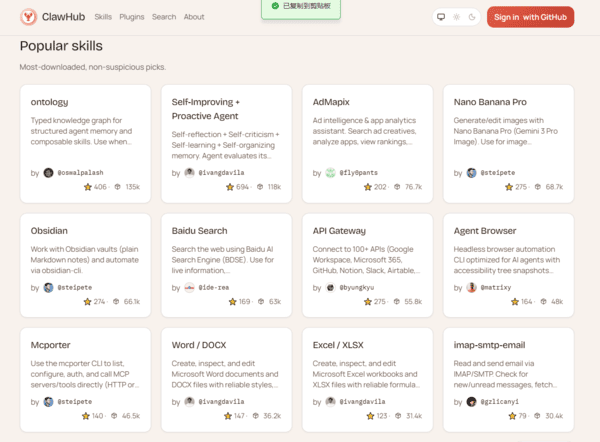
Set up with OpenClawTool
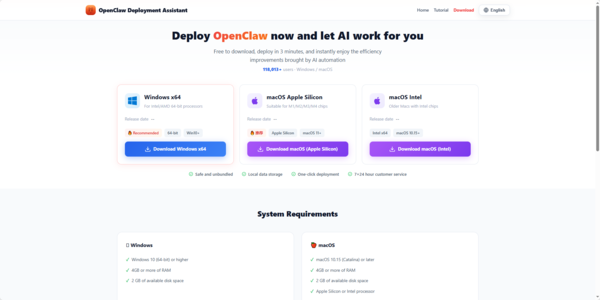
Now, if you want to set up your personal AI assiatance, OpenClawTool can help you to set up OpenClaw easily. Just click the download button to start.