
OpenClaw (formerly known as Clawdbot) is a powerful open-source personal AI assistant designed to run directly on your own computer. Unlike cloud-based AI tools, OpenClaw focuses on keeping your data local, giving users greater control over privacy and information security. You can interact with OpenClaw naturally through popular messaging platforms, including WhatsApp, Telegram, Slack, Discord, Signal, iMessage, and more, making AI assistance available through the apps you already use. In this guide, we'll explore what OpenClaw is, how it works, its key features, and why local AI assistants are becoming increasingly popular.
Two Ways to Get Started
Self-Hosting — Install and run OpenClaw on your own machine (covered in this guide)
Managed Hosting — Let OpenClaw Deployment Assistan handle the setup, updates, and maintenance for you
Prerequisites for Self-Hosting
Before installing OpenClaw, ensure you have the following:
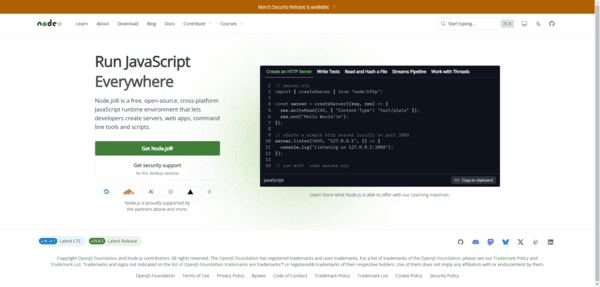
Node.js version 22 or newer (download from nodejs.org)
Supported operating systems: macOS, Linux, or Windows (WSL2 is strongly recommended for Windows users)
Self-Hosting
Step 1: Install OpenClaw
Open your terminal and run:
Bashnpm install -g openclaw@latest
Step 2: Run the Onboarding Wizard
The interactive wizard makes setup simple and straightforward: Bashopenclaw onboard --install-daemon
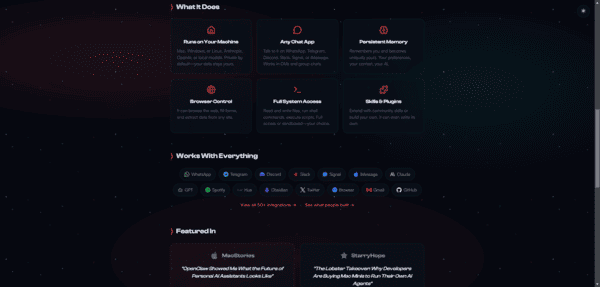
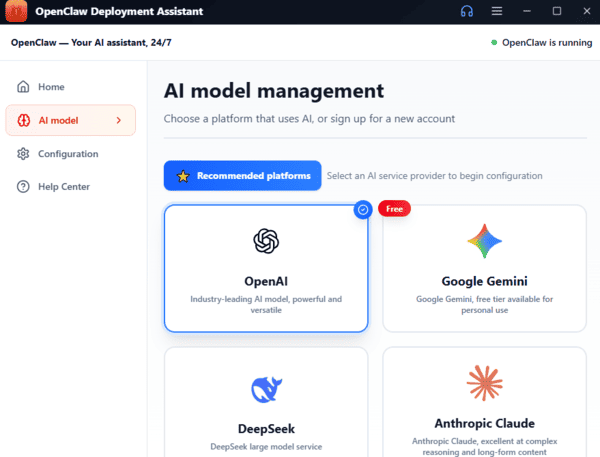
The wizard will guide you through: Selecting and configuring your AI model (Claude, GPT, local models, etc.) and entering API keys
Setting up a background daemon (launchd on macOS, systemd on Linux) so OpenClaw runs continuously
Step 3: Verify Your Installation
Run the built-in diagnostic tool to check everything is working correctly:
Bashopenclaw doctor
Step 4: Send Your First Message
Once a messaging channel is connected, simply message OpenClaw like you would a friend. For example, on WhatsApp or Telegram:
"What can you help me with?"
You can also test it directly from the terminal:
Bashopenclaw agent --message "What can you help me with?"
OpenClaw will reply in the same channel. From there, you can ask it to handle emails, manage your calendar, browse the web, write code, or run any installed skills
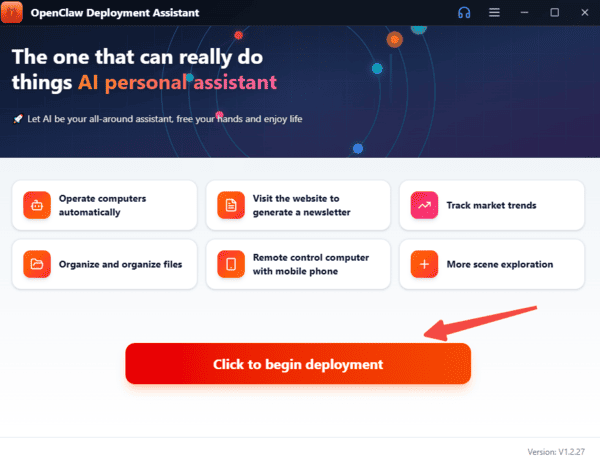
Easier Option: OpenClaw Deployment Assistan
If you prefer zero maintenance, managed hosting lets OpenClaw Deployment Assistan run OpenClaw for you in the cloud.
Benefits include:
No installation or configuration required
Always online, 24/7
Automatic updates to the latest version
Next Steps After Setup
Once OpenClaw is running:
Explore the ClawHub skills marketplace for powerful community integrations
Connect additional messaging channels
Join the official OpenClaw Discord community for help and discussions
Experiment with different skills to boost your productivity
OpenClaw puts a capable AI assistant right at your fingertips — all while keeping your data private and under your control.
Ready to begin? Open your terminal and run the first command above!