OpenClaw (formerly known as Clawdbot and briefly Moltbot) is a free, open-source AI assistant designed to automate tasks, control your computer, and streamline workflows. With its ability to perform complex operations and integrate AI-powered automation into daily tasks, OpenClaw has quickly gained attention as one of the fastest-growing open-source AI projects. In this guide, we’ll explore what OpenClaw is, its key features, how it works, and why it has become popular among developers and AI enthusiasts.
What is OpenClaw?
At its core, OpenClaw is a general-purpose AI agent designed to go far beyond simple chat. It can directly interact with your desktop environment — clicking buttons, typing text, navigating applications, and performing real actions on your computer based on natural language instructions
Whether you call it OpenClaw, Clawdbot, or remember it as Moltbot, it's the same project. The name was changed over time to better reflect its open-source philosophy and strong community focus. OpenClaw is the final and current name
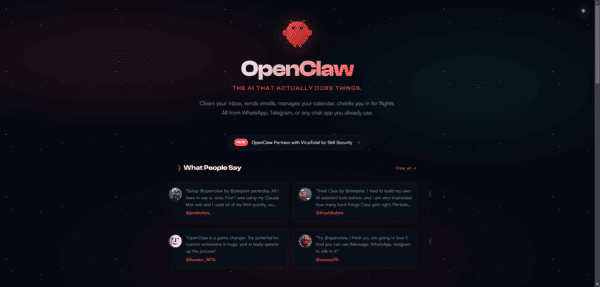
What Can OpenClaw Do?
OpenClaw excels at turning plain English instructions into real computer actions. Key capabilities include:
Desktop Control: Navigate your screen, click elements, type text, and interact with any installed application
Task Automation: Automate repetitive work such as data entry, file organization, web scraping, report generation, and complex workflows
Cross-Platform Support: Runs natively on macOS, Windows, and Linux
Natural Language Interface: Simply describe what you want — no coding required
Extensibility: Easily add custom plugins and integrations to fit your specific needs
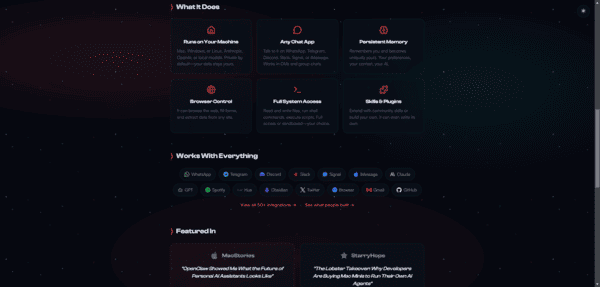
Why OpenClaw Stands Out
Compared to traditional AI chatbots and assistants, OpenClaw offers several unique advantages:
True Computer Interaction — It doesn't just respond with text; it actively controls your desktop and executes tasks
Fully Open Source — You get complete access to the source code with no vendor lock-in
Self-Hostable — Run it entirely on your own hardware for maximum data privacy and control
Free to Use — The core software is completely free with no subscription required for basic functionality
Community-Driven Development — Backed by thousands of contributors and an active, welcoming community
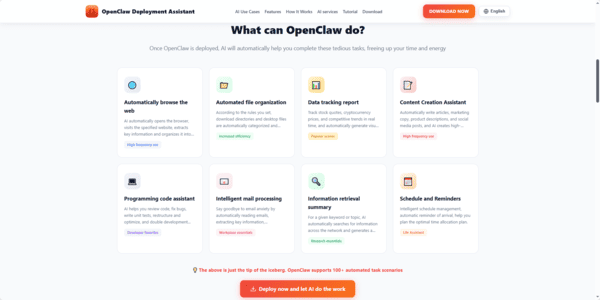
How to Get Started with OpenClaw
There are two main ways to use OpenClaw:
Self-Hosting
Clone the repository from GitHub and run it on your own machine
This gives you full control but requires some technical setup, including managing dependencies and updates
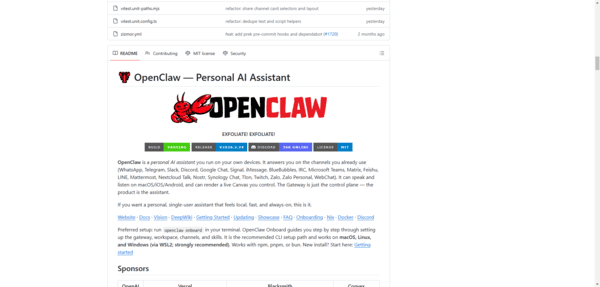
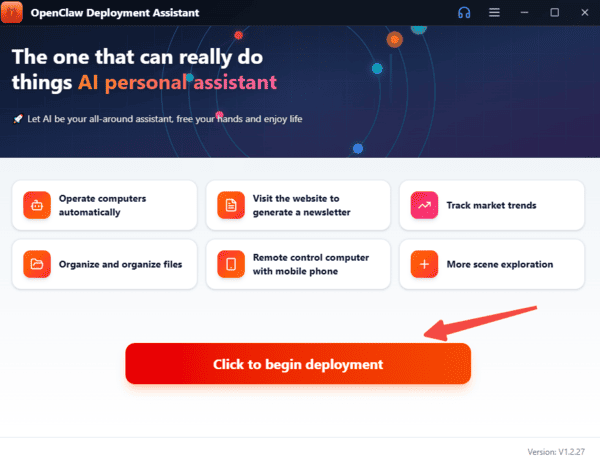
OpenClaw Deployment Assistant

OpenClaw Deployment Assistant provides a fully managed OpenClaw instance
This option eliminates setup hassle — your instance is always online, automatically updated, and ready to use within minutes
The OpenClaw Community
OpenClaw benefits from one of the most vibrant communities in the open-source AI space
With thousands of contributors, regular updates, and active discussion channels (including Discord), the project evolves quickly Whether you want to contribute code, request new features, or simply get help, the community is known for being supportive and inclusive
What's Next for OpenClaw?
The project continues to expand with new features, improved performance, broader platform compatibility, and enhanced automation capabilities. Development is active, and new releases regularly introduce exciting improvements
If you're looking for a flexible, privacy-focused AI assistant that can actually do things on your computer — not just talk about them — OpenClaw is one of the strongest open-source options available today