Repetitive tasks such as scheduling meetings, sorting emails, and moving data between different applications can drain your energy and reduce productivity. Tech professionals, entrepreneurs, and creatives often lose valuable hours each day due to constant context switching. Many existing automation tools also introduce challenges such as cloud-based privacy concerns, complex integrations, and steep learning curves. OpenClaw addresses these issues by functioning as a personal AI assistant and centralized command hub. It helps automate workflows, streamline tool integrations, protect user data, and ultimately save time by reducing manual, repetitive work.
Key privacy-first features include:
Local data storage that keeps all your files and databases on your own machine
Strong encryption standards for protecting data both at rest and in transit
No third-party data access, ensuring you retain full ownership and control over your information
These features make OpenClaw especially suitable for anyone handling sensitive or proprietary work
Seamless Tool Integration
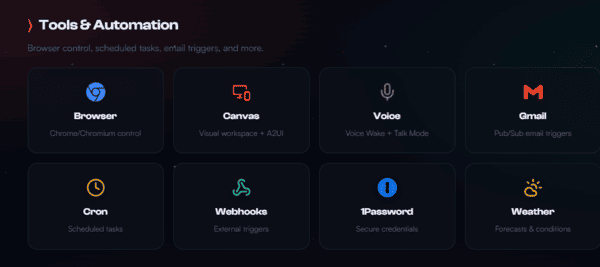
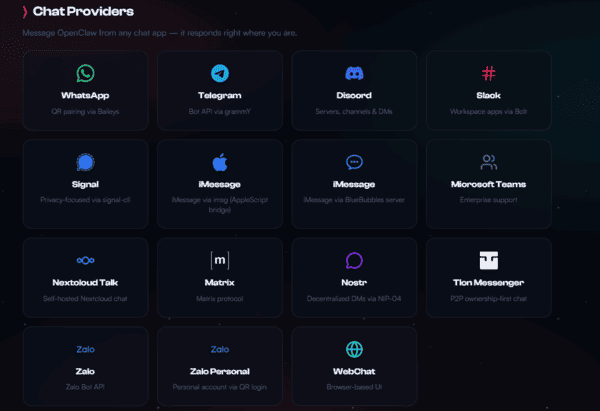
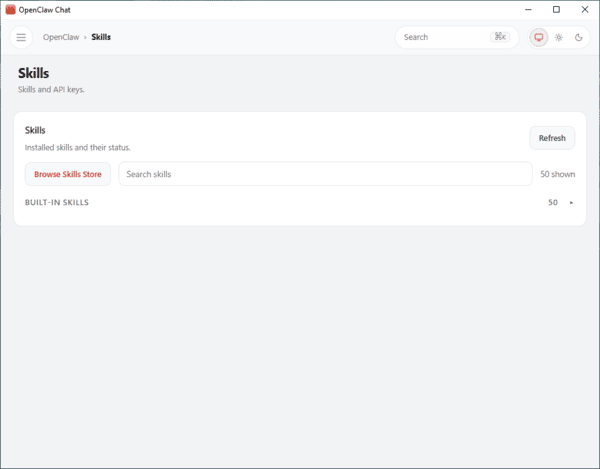
OpenClaw uses a modular architecture that lets you customize skills to connect with the software you already use. This reduces friction and creates a unified workspace.
Practical integration examples include:
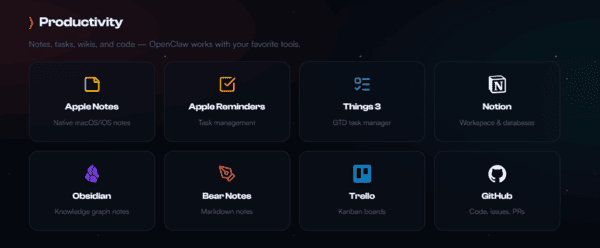
Developers can connect with VSCode to automate code formatting, run tests, and generate boilerplate code
Project managers can automatically update Trello boards based on incoming team emails
Busy professionals can link Google Calendar to automatically block focus time when task lists become heavy
By centralizing your tools, OpenClaw eliminates the need to jump between multiple applications throughout the day
Tailor-Made Efficiency for Your Unique Needs
OpenClaw adapts to you instead of forcing you to adapt to it. You can personalize command triggers, automation rules, and even how it interacts with your operating system.
Real-world examples include:
A freelance graphic designer can set up rules to automatically organize project assets into client folders, rename files according to naming conventions, and send Slack notifications when renders are complete
A data analyst can have OpenClaw pull weekly numbers from Excel spreadsheets, generate summary reports, and draft professional emails to executives
These custom automations remove mundane chores and free up mental space for higher-level creative and strategic thinking
Proven Strategies to Boost Productivity with OpenClaw
Actionable ways to supercharge your productivity include:
Automate email responses by creating smart templates so OpenClaw can draft intelligent replies for your quick review
Sync project milestones by connecting communication apps directly to your project management boards for automatic status updates
Generate data summaries by pulling insights from local spreadsheets and highlighting key performance indicators on a regular schedule
Many users report cutting their task completion time by up to half after implementing these automations
Quick 3-Minute Setup OpenClaw
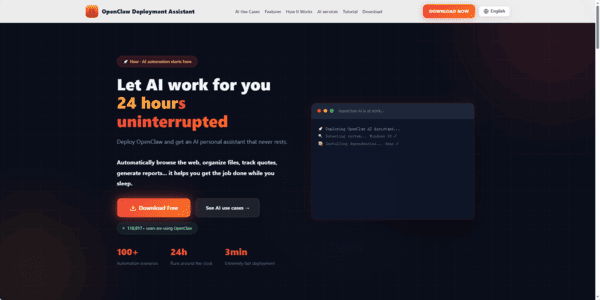
Download the Installer
Visit the OpenClawTool official website and download the appropriate installer
Install the Application
Windows: Run the .exe file and follow the on-screen instructions
macOS: Open the .dmg file and drag OpenClaw into the Applications folder
If macOS warns "developer cannot be verified," go to System Settings → Privacy & Security and click Still Open
Launch & Deploy
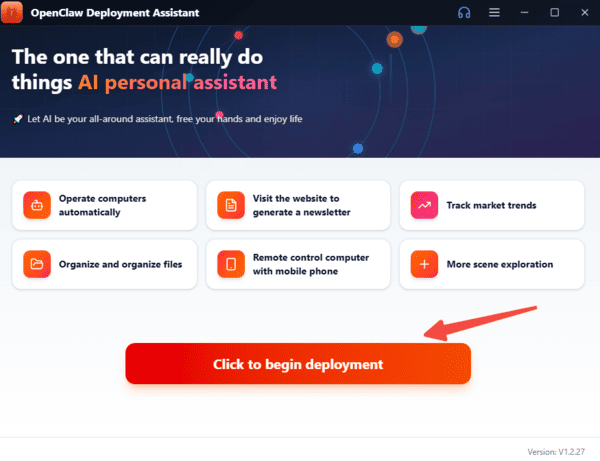
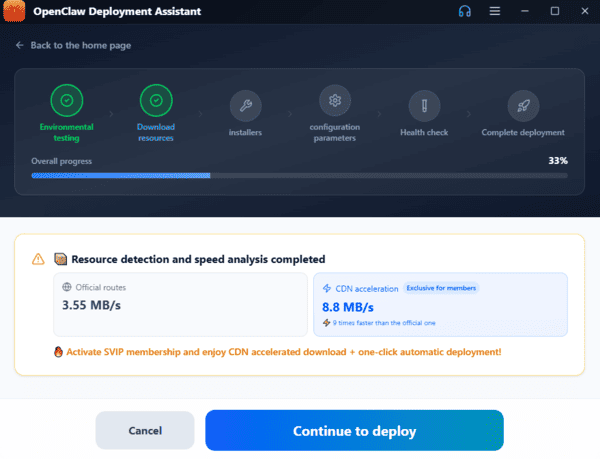
Open the application. The built-in Deployment Assistant will automatically execute a six-step one-click deployment
The entire process takes roughly 3 minutes and requires no manual intervention
Set Up Your AI Model
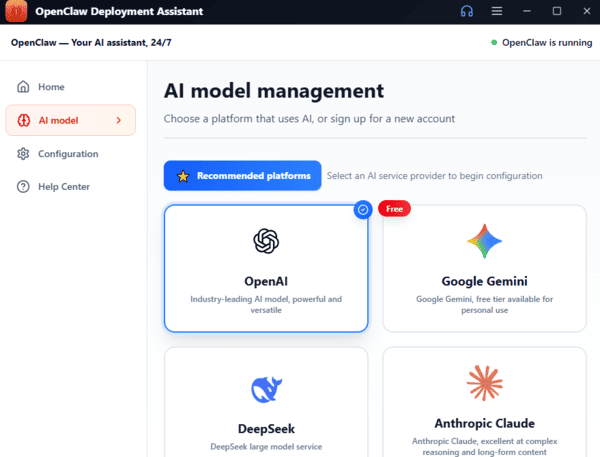
After deployment, enter your API key. OpenClaw supports:
Zhipu GLM
Tongyi Qianwen
DeepSeek
OpenAI-compatible APIs
Start Using OpenClaw
Once setup is complete, the smart chat interface will launch. You can now use OpenClaw to:
Automate repetitive tasks
Browse the web efficiently
Organize files
Review and write code
And much more
Conclusion
OpenClaw transforms the way professionals manage their workflows by combining powerful automation, seamless tool integration, and a privacy-first approach. Whether you're a developer, project manager, or creative professional, OpenClaw eliminates repetitive tasks, centralizes your tools, and adapts to your unique workflow, freeing up hours of valuable time. With its easy three-minute setup and support for multiple AI models, getting started is fast and straightforward. By putting efficiency, customization, and data security at the forefront, OpenClaw isn't just another productivity tool—it's a personal AI assistant designed to help you focus on what truly matters.