
As AI agents grow more capable, users are looking for solutions that fit their unique workflows without adding unnecessary complexity. While OpenClaw offers unmatched flexibility and control for building AI agents, not everyone wants to manage local deployment, updates, or server maintenance. In 2026, a range of alternatives has emerged, catering to different devices, ecosystems, and collaboration styles. Whether you need a mobile-first agent, tight integration with team tools like WeCom or Feishu, or a lightweight local solution, this guide highlights the best OpenClaw alternatives to help you choose the right AI agent for your daily workflow.
Why People Look for OpenClaw Alternatives
OpenClaw delivers excellent flexibility and control for building AI agents, but not everyone wants to manage local deployment, updates, and server maintenance
Some users need smoother experiences on Windows, easier mobile access, or tighter integration with popular team tools like WeCom or Feishu
OpenClawTool – Best for Windows
OpenClawTool takes a completely different approach. It is designed for local deployment, allowing you to run OpenClaw directly on your own computer (Windows or macOS)
All your data stays fully under your control — nothing is uploaded to the cloud. You get complete data ownership, stronger privacy protection, and peace of mind knowing your sensitive information never leaves your device
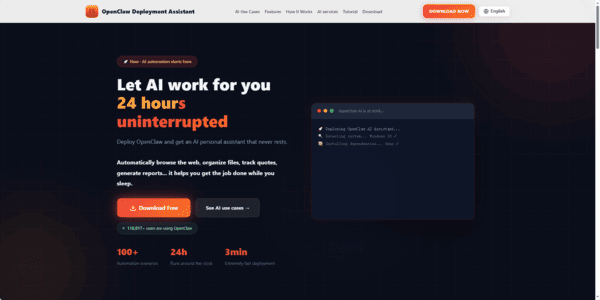
NanoClaw – Best for Mobile Messaging
NanoClaw is a lightweight, messaging-first agent that works seamlessly through WhatsApp and Telegram. It supports task management, reminders, and group interactions while remaining lighter than full OpenClaw deployments
Perfect for users who primarily interact with their agent via phone
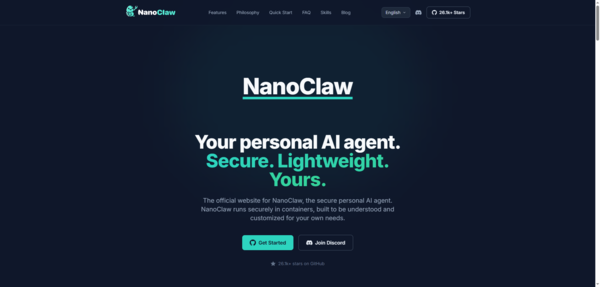
QClaw – Best for WeCom Workflows
QClaw integrates AI agent capabilities directly into WeCom (Enterprise WeChat), reducing context switching for teams already using this platform
It makes collaboration more natural by keeping the agent inside familiar communication channels
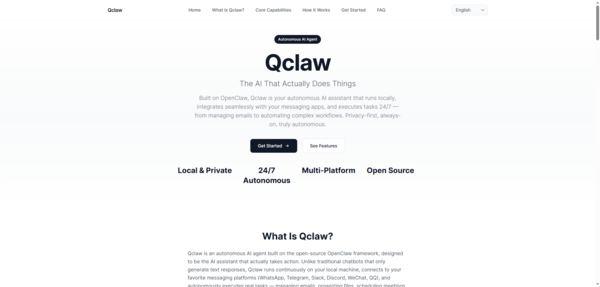
ArkClaw – Best for Feishu Team Collaboration
ArkClaw embeds agent functionality into Feishu, making it easy for teams to share tasks and manage workflows within their existing collaboration environment
It prioritizes fast adoption and smooth team integration
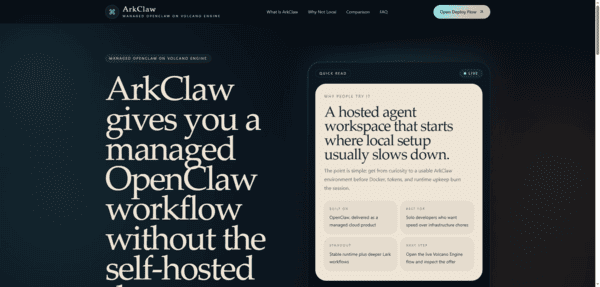
DuClaw – Best for Mobile-First and Baidu Ecosystem
DuClaw focuses on phone-centered automation with strong ties to the Baidu ecosystem
It's designed for users who want advanced capabilities directly on their mobile devices rather than relying on desktop setups
MaxClaw – Best for Lightweight Daily Use
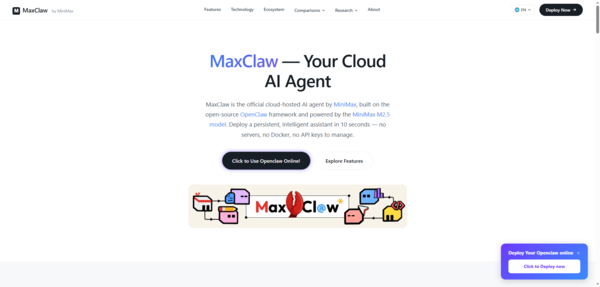
MaxClaw is a simple, cloud-based agent with one-click deployment and persistent memory
It integrates well with popular chat platforms and suits users looking for reliable daily assistance with minimal setup
KimiClaw – Best for Kimi Users
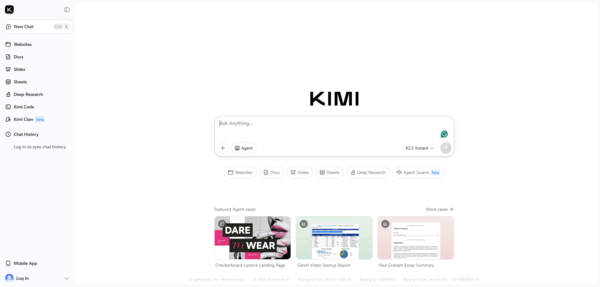
KimiClaw is tailored for people already working within the Kimi ecosystem
It offers familiar workflows, model preferences, and reduced learning curve for users who prefer Kimi's interface and capabilities
Tasker – Best for Native Android Automation
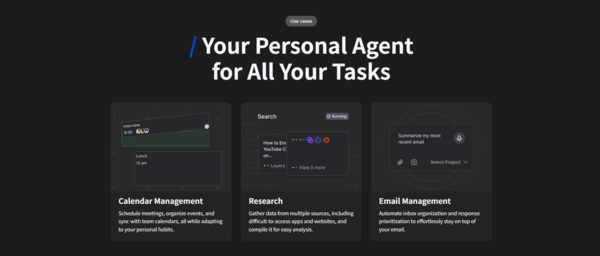
tasker provides powerful native automation directly on Android devices
It's a great choice for users who want deep phone-level control and automation without depending on cloud agents
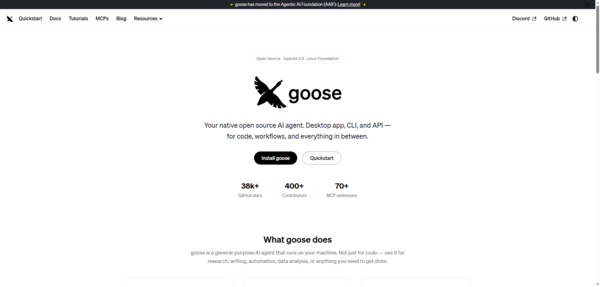
Goose – Best for Local-First General Agents
Goose emphasizes local execution and privacy
It's suitable for users who prefer running agents on their own hardware with minimal cloud dependency
How to Choose the Right OpenClaw Alternative
Primary Device: Choose cloud or browser-based options (like MyClaw or MaxClaw) for Windows comfort, or mobile-focused agents (like NanoClaw or DuClaw) for phone-heavy workflows
Workflow Style: Team collaboration tools (QClaw, ArkClaw) work best for group environments, while messaging-first agents (NanoClaw) suit individual daily use
Setup Tolerance: If you want zero maintenance, go with managed cloud solutions. If you prefer full control and don't mind setup, local or lightweight options may be better
Ecosystem Fit: Pick alternatives that align with tools you already use, such as WeCom, Feishu, Baidu, or Kimi
Final Thoughts
Local deployment with OpenClawTool keeps everything on your own machine, giving you full control over your data. You can run it on Windows or macOS without relying on the cloud, ensuring privacy and security while avoiding the complexity of managing external servers.Evaluate your daily devices and pain points first, then test the most promising alternatives. The goal is to find an AI agent that feels natural and helpful rather than another tool that requires constant management.