Modern professionals often manage multiple apps, repetitive tasks, and increasing productivity demands while protecting sensitive information. Constantly switching between emails, calendars, project tools, and files can consume valuable time and disrupt focus. Many automation solutions improve efficiency through cloud processing, but this can raise privacy concerns. OpenClaw takes a different approach by providing intelligent automation that runs locally on your device, helping you streamline workflows while keeping your data secure and private.
Run Your Personal AI Assistant Locally
OpenClaw operates directly on your computer, giving you the full power of AI automation without sending your data to the cloud
Your emails, documents, client information, and code remain entirely under your control
With OpenClaw, you get all the benefits of a smart assistant while maintaining complete privacy and security
How OpenClaw Simplifies Daily Tasks
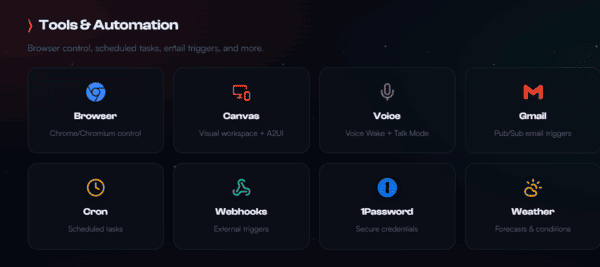
Setting up automation in OpenClaw is intuitive. You define triggers based on actions in your local environment — such as a new email, a calendar update, or a file appearing in a folder. OpenClaw's AI recognizes these triggers and executes workflows automatically.
Some practical examples include:
Automatically sorting and labeling incoming emails
Updating calendar events and resolving scheduling conflicts
Sending reminders and follow-ups without manual effort
Organizing files and folders according to your rules
Handling repetitive data entry with accuracy and speed
Seamless Integration With Your Existing Tools
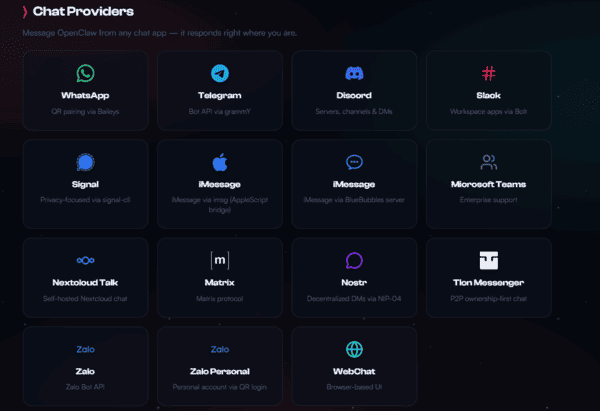
OpenClaw fits into your workflow without forcing changes. It connects with both local applications and popular online platforms, creating a unified productivity hub. You can also build custom modules tailored to your needs
Whether you're a developer, freelancer, entrepreneur, or team leader, OpenClaw adapts to how you work instead of forcing you to adapt to the tool. The result is a personalized AI assistant that feels like a natural extension of your daily workflow
Privacy and Security at Its Core
Local data storage: All files, conversations, and automation rules remain securely on your device
Strong encryption: Advanced protocols protect your data and internal operations
Zero third-party access: No external companies can access, analyze, or collect your information
OpenClaw Deployment Assistant – Quick Installation
Download
Go to OpenClawTool Official Website
Download the Installer
Install
Windows: Run the .exe file and follow the prompts
macOS: Open the .dmg, drag OpenClaw to Applications folder
(If macOS shows "developer cannot be verified", go to System Settings → Privacy & Security and click Still Open.)
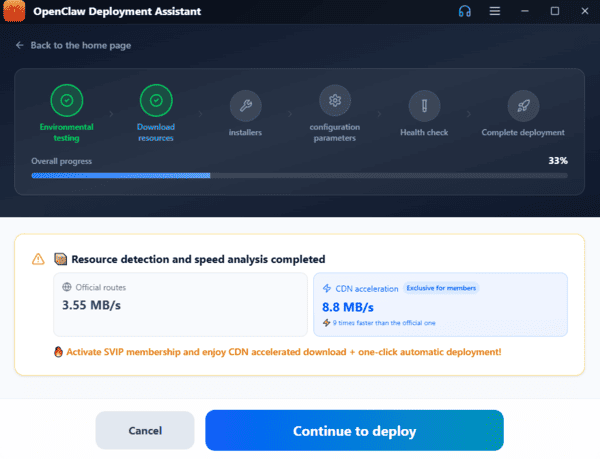
Launch & Deploy
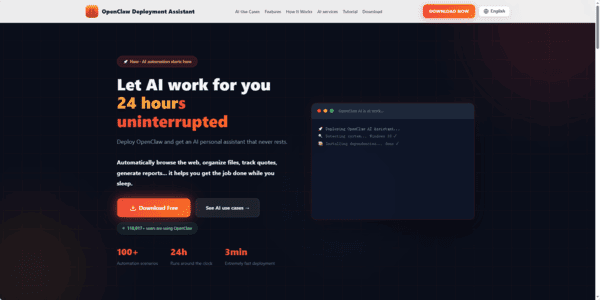
Open the app. The built-in Deployment Assistant will automatically run a 6-step one-click deployment:
System detection
Install dependencies
Download OpenClaw
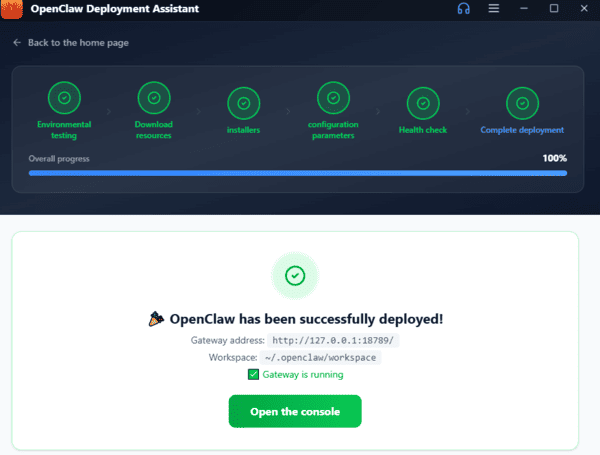
Set Up AI Model
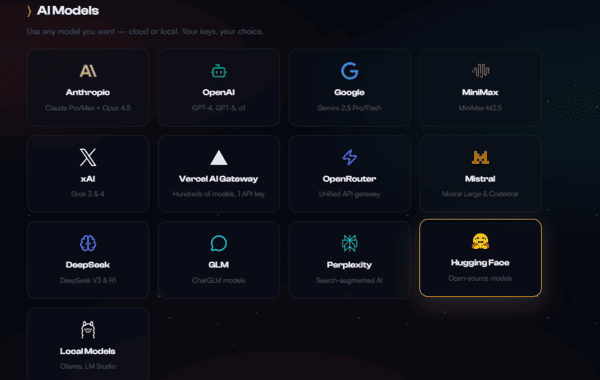
After deployment, enter your API key (supports Zhipu GLM, Tongyi Qianwen, DeepSeek, Doubao, OpenAI-compatible APIs, etc.)
Keys are encrypted and stored locally
Done
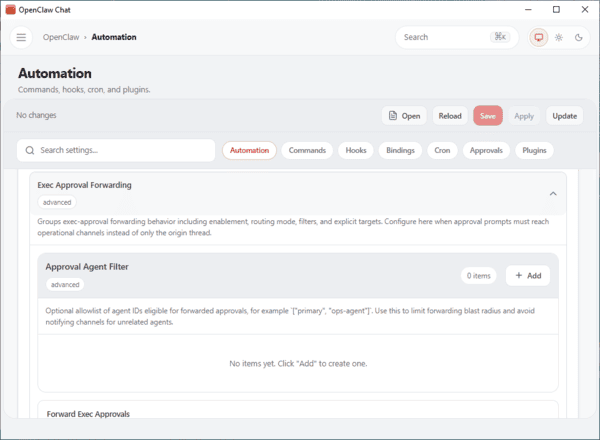
The smart chat interface will open
You can now use OpenClaw for automation, web browsing, file organization, code review, and more
Build a Personalized AI Ecosystem
OpenClaw isn't just a task automator — it's a full-fledged AI ecosystem that grows with your needs. Start with simple workflows and expand to more complex automations over time. You can create a secure, private AI system that handles routine work while supporting long-term productivity goals. Whether you aim to reclaim hours each week or build a fully customized workflow, OpenClaw gives you the tools to do it safely and efficiently.