





Sound

Fix Bluetooth Audio Stuttering on Windows 10
Bluetooth audio should provide a convenient wireless listening experience, but frequent sound interruptions can quickly become frustrating. If your Bluetooth headset keeps lagging, skipping, or briefly losing sound on Windows 10, the issue may lie in the connection between your computer and audio device rather than the headphones themselves. Driver compatibility problems, Windows power management, audio enhancements, and incorrect device configurations can all affect playback stability. Before purchasing new equipment, try a few targeted adjustments to identify the cause. This article walks you through six methods to resolve Bluetooth audio stuttering on Windows 10, from refreshing Bluetooth drivers with Driver Sentry to modifying sound settings, running diagnostics, and pairing your device again.
PC Not Detecting Razer Headset Mic? Fix It
If your Razer headset microphone suddenly stops working on Windows, you may find that teammates cannot hear you in games, your voice is missing in Discord or Zoom, or the microphone is not detected at all. In many cases, the headset itself is not damaged. Incorrect input settings, disabled microphone permissions, audio service errors, outdated drivers, Razer Synapse conflicts, or connection problems can all prevent the mic from working properly. The troubleshooting methods below will help you identify the cause and get your Razer headset microphone working again.

Fix Headphone Jack Issues on Laptop
Headphone jack not working on Windows? Check audio output settings, Realtek jack detection, run the troubleshooter, update audio drivers, and inspect the port for hardware damage.
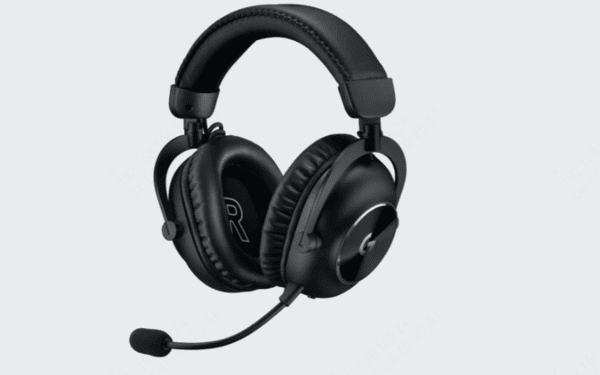
Logitech Headset Not Working
Logitech headset not working on Windows? Check the connection, update audio drivers, restart the device, adjust sound settings, run the troubleshooter, and test the headset on another device.
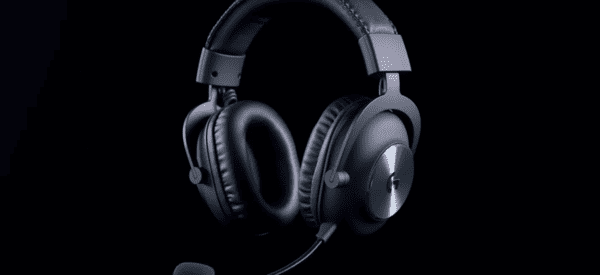
Logitech G Pro X Settings Guide
Optimize Logitech G Pro X settings for clearer game audio and voice chat with custom EQ, Blue VO!CE controls, Windows sound options, and updated drivers.

Fix Microphone Latency on Windows 10
Microphone lagging on Windows 10? Fix audio latency by updating drivers, disabling enhancements, adjusting microphone settings, optimizing power options, and checking hardware connections.

Discord Error 3002: Causes and Fixes
Discord Error 3002 causing audio problems? Fix voice and sound issues by checking audio devices, updating drivers, disabling noise suppression, troubleshooting Windows audio, and reinstalling Discord.

How to Fix No Audio Output Device Installed
No Audio Output Device Is Installed on Windows 10? Fix missing or corrupted audio drivers, restart sound services, enable audio devices, and check BIOS settings.

Windows Laptop Audio Fix Guide
Fix laptop audio not working on Windows by checking sound settings, restarting audio services, updating drivers, troubleshooting playback devices, and testing hardware.

Realtek Sound Driver Troubleshooting Guide
Fix Realtek sound driver issues on Windows, including no audio, missing Realtek devices, driver errors, and HD Audio Manager problems with proven solutions.