





Sound

Fix Headphone Jack Issues on Laptop
Headphone jack not working on Windows? Check audio output settings, Realtek jack detection, run the troubleshooter, update audio drivers, and inspect the port for hardware damage.
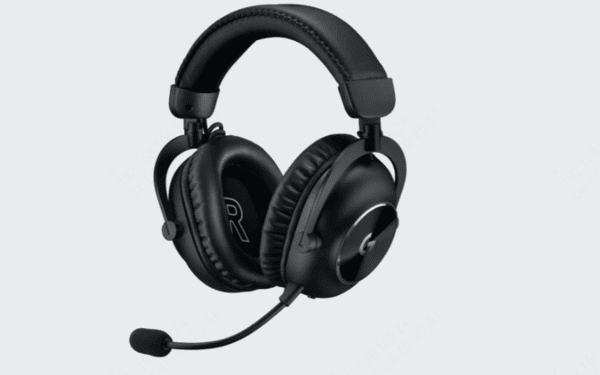
Logitech Headset Not Working
Logitech headset not working on Windows? Check the connection, update audio drivers, restart the device, adjust sound settings, run the troubleshooter, and test the headset on another device.
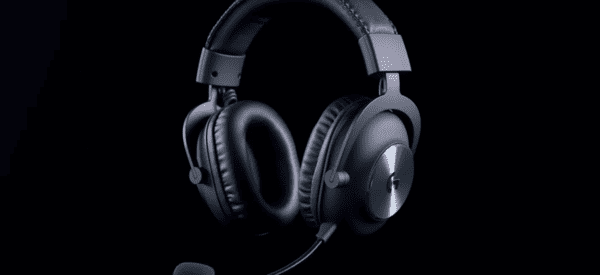
Logitech G Pro X Settings Guide
Optimize Logitech G Pro X settings for clearer game audio and voice chat with custom EQ, Blue VO!CE controls, Windows sound options, and updated drivers.

Fix Microphone Latency on Windows 10
Microphone lagging on Windows 10? Fix audio latency by updating drivers, disabling enhancements, adjusting microphone settings, optimizing power options, and checking hardware connections.

Discord Error 3002: Causes and Fixes
Discord Error 3002 causing audio problems? Fix voice and sound issues by checking audio devices, updating drivers, disabling noise suppression, troubleshooting Windows audio, and reinstalling Discord.

How to Fix No Audio Output Device Installed
No Audio Output Device Is Installed on Windows 10? Fix missing or corrupted audio drivers, restart sound services, enable audio devices, and check BIOS settings.

Windows Laptop Audio Fix Guide
Fix laptop audio not working on Windows by checking sound settings, restarting audio services, updating drivers, troubleshooting playback devices, and testing hardware.

Realtek Sound Driver Troubleshooting Guide
Fix Realtek sound driver issues on Windows, including no audio, missing Realtek devices, driver errors, and HD Audio Manager problems with proven solutions.

Restore Missing Audio Output on Windows 11
Fix Windows 11 cannot find an output device with simple solutions. Check audio connections, update drivers, restart audio services, and troubleshoot sound settings.

Fix Computer Speakers Not Working
Fix computer speakers not working by checking connections, selecting the correct audio output, updating drivers, running troubleshooters, and disabling sound enhancements.